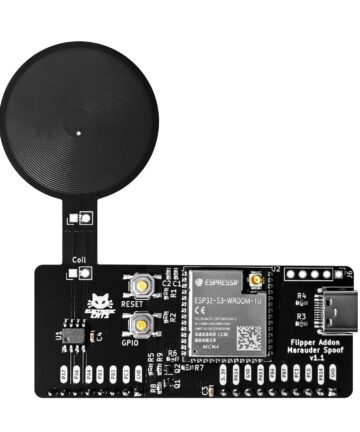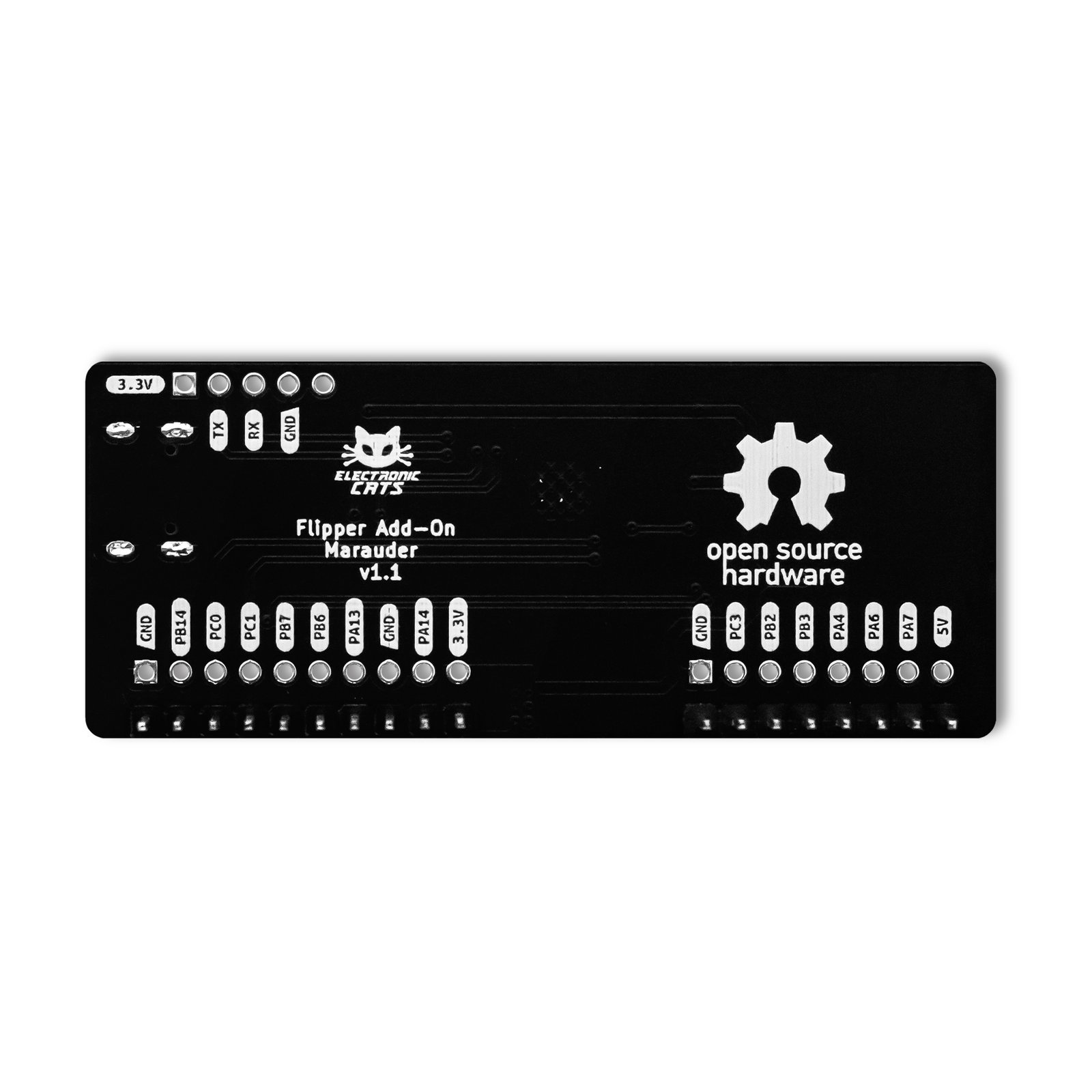
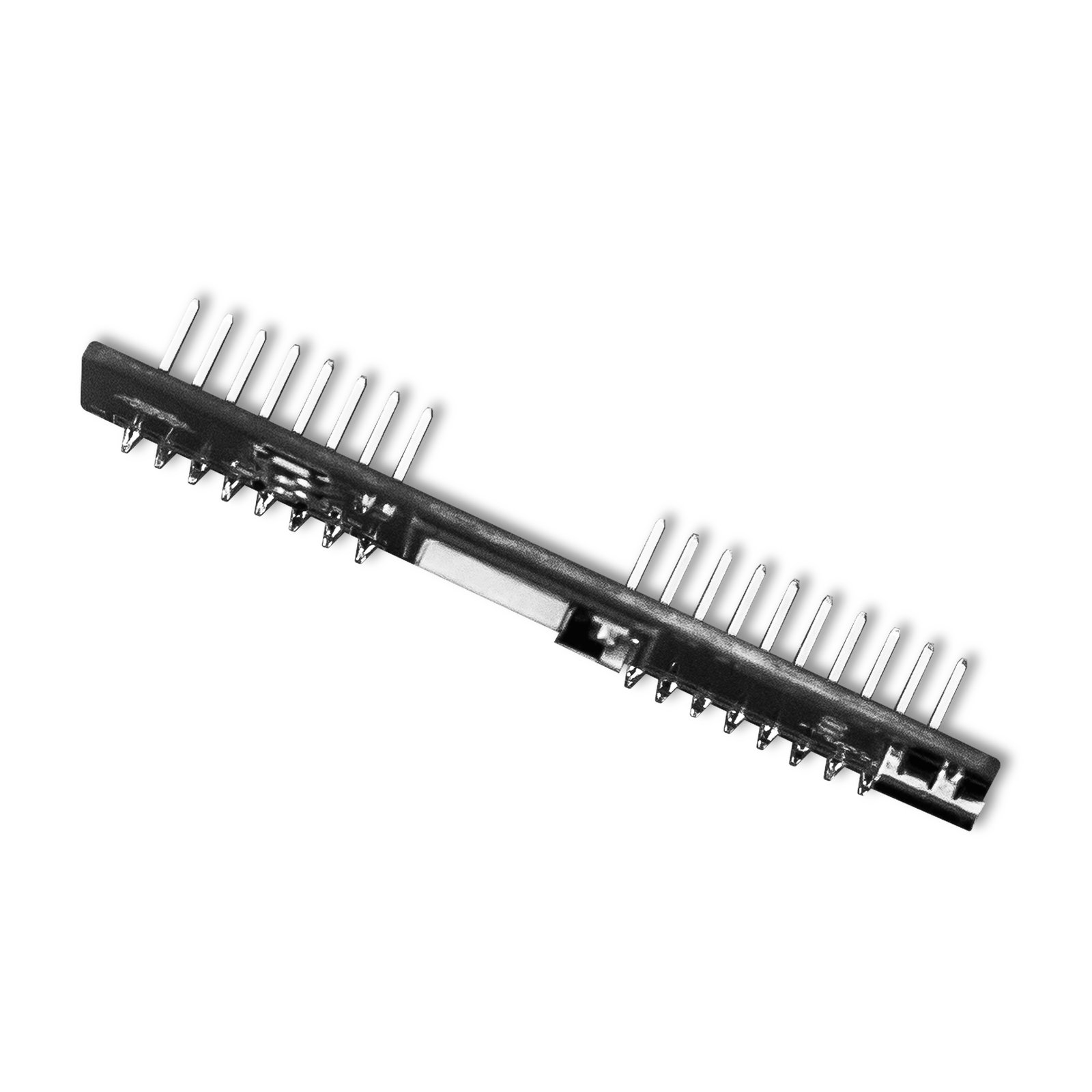
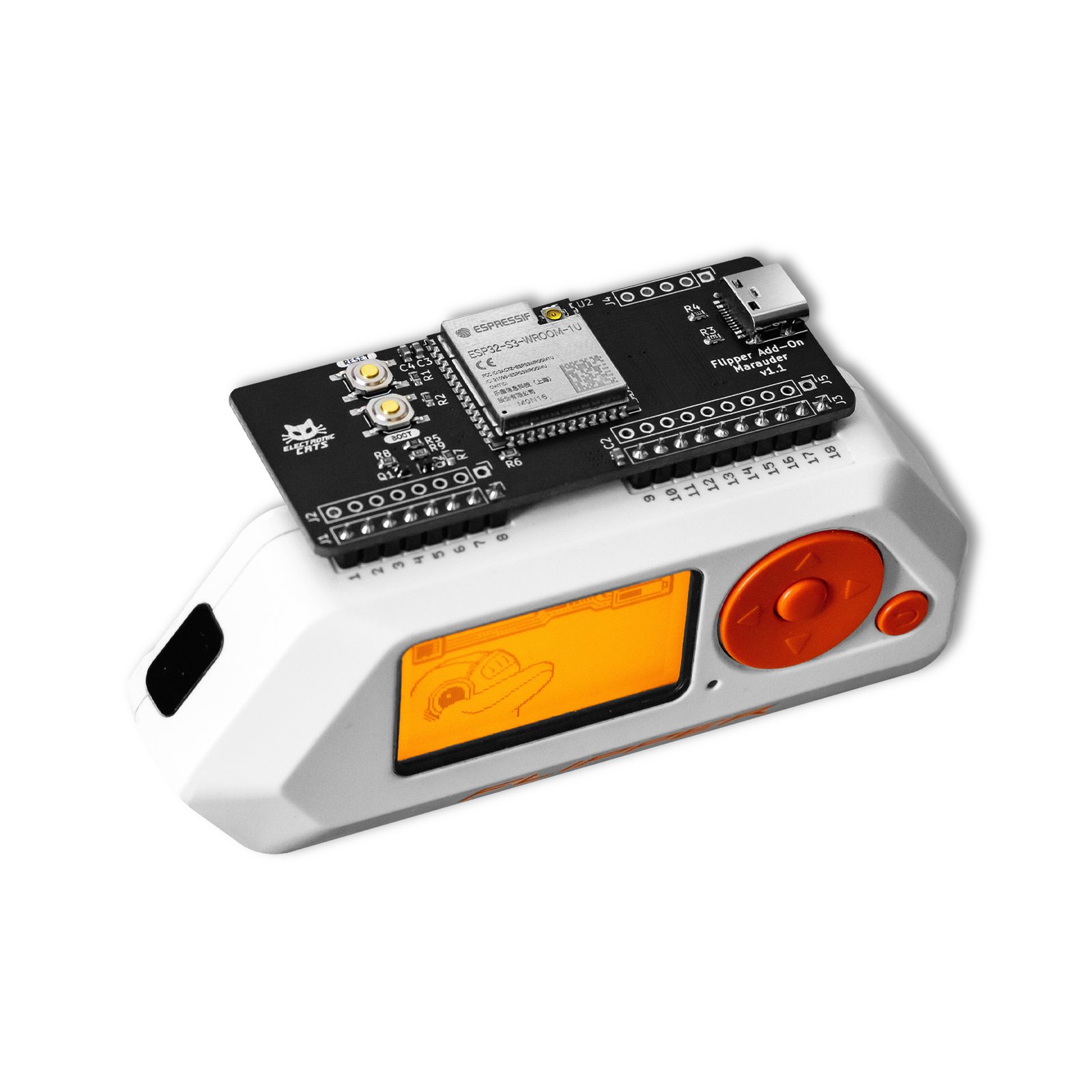


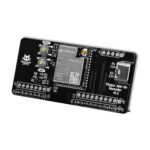
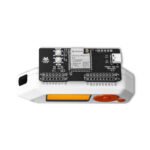
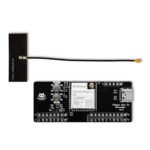
Flipper Add-On: Marauder
Finish the job with evidence: the Marauder add-on for Flipper Zero, driven from a browser or Android dashboard, exports captures straight into Wireshark.
$40.00
In stock
- Flipper Zero
- Wireshark (via .pcap, .log and .json exports)
- Flipper Zero firmware — official, Unleashed or custom
- Marauder UI Pro — browser dashboard and Android app
In the box
Not included
You also need
- 130 GitHub Stars
- DEF CON · HackGDL · BugCon
- Designed and built in Aguascalientes, Mexico
- Hardware CERN-OHL v1.2
What is the ESP32 Marauder?
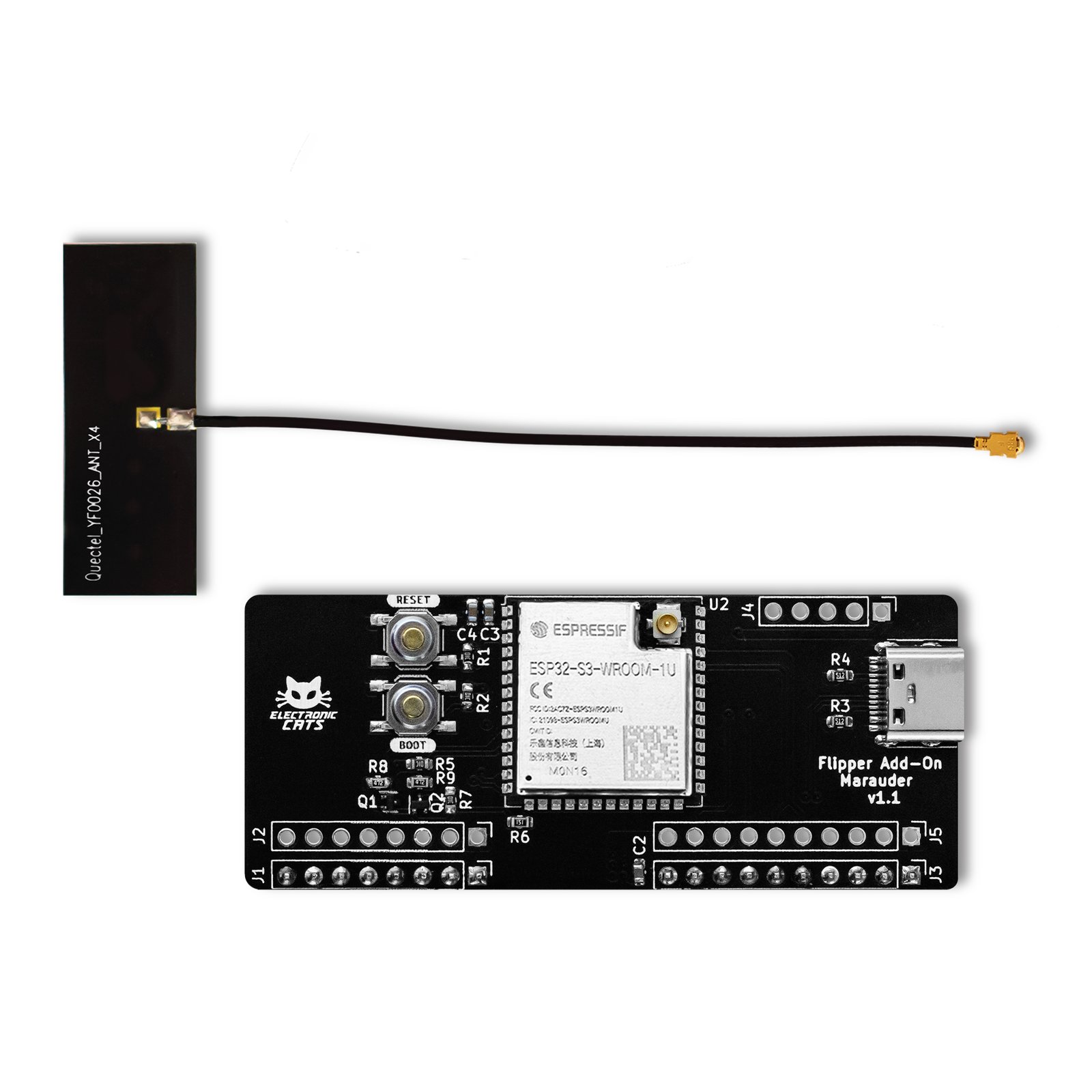
The ESP32 Marauder is an upstream firmware project created by the independent developer justcallmekoko; Electronic Cats does not maintain it, and the Flipper Add-On: Marauder is the Electronic Cats board built for it, one of the add-ons Electronic Cats makes to give the Flipper Zero extra functions. Electronic Cats builds the software you drive it with: Marauder UI Pro, a browser dashboard that adds GPS and wardriving mapping, an Evil Portal workflow orchestrator, an NFC toolset, and a file manager that pulls .pcap, .log and .json captures off the device’s SPIFFS/SD storage for analysis in Wireshark. Marauder UI Pro is made with Vue 3 and Tailwind CSS, and connects to the device over USB through the Web Serial API in Chrome or Edge. A native Android edition covers phones with USB OTG support, since Android browsers do not support Web Serial.
Turn a capture into evidence you can open in Wireshark
Work from your phone when there is no laptop on site
Run a workshop on packet capture
Start in 10 minutes
- Prepare the Flipper Zero: flash a firmware whose API version matches the add-on apps. Electronic Cats recommends Unleashed Firmware. Use qFlipper (the official desktop tool) or the official Flipper mobile app: connect over USB, choose "Install from file", then Install.
- Install the Marauder UI Pro dashboard’s dependencies: with Node.js in place, run
npm installin the project folder. - Launch it with
npm run dev— or skip the local setup entirely and open the hosted demo. - Open the dashboard in Chrome or Edge, click Connect, and select the ESP32 Marauder device’s COM port (Web Serial API).
| Weight | 0.020 g |
|---|---|
| Dimensions | 18 × 12.5 × 1 cm |
| Microcontroller | ESP32-S3 — dual-core Xtensa LX7, up to 240 MHz |
| SRAM | 512 KB |
| ROM | 384 KB |
| Security | Secure boot |
| WiFi | 2.4 GHz, 802.11b/g/n, 40 MHz bandwidth |
| Bluetooth | BLE 5 — Coded PHY (long range), 2 Mbps PHY, mesh support |
| Factory firmware | ESP32 Marauder, pre-loaded |
| Firmware license | GNU AGPL v3.0 |
| Hardware license | CERN Open Hardware Licence v1.2 |
What can an ESP32 Marauder do?
What is Marauder firmware?
I need a case for my board.
I don't have a Flipper Zero. Is there a standalone option?
You may also like…