


Flipper Add-On: MagSpoof
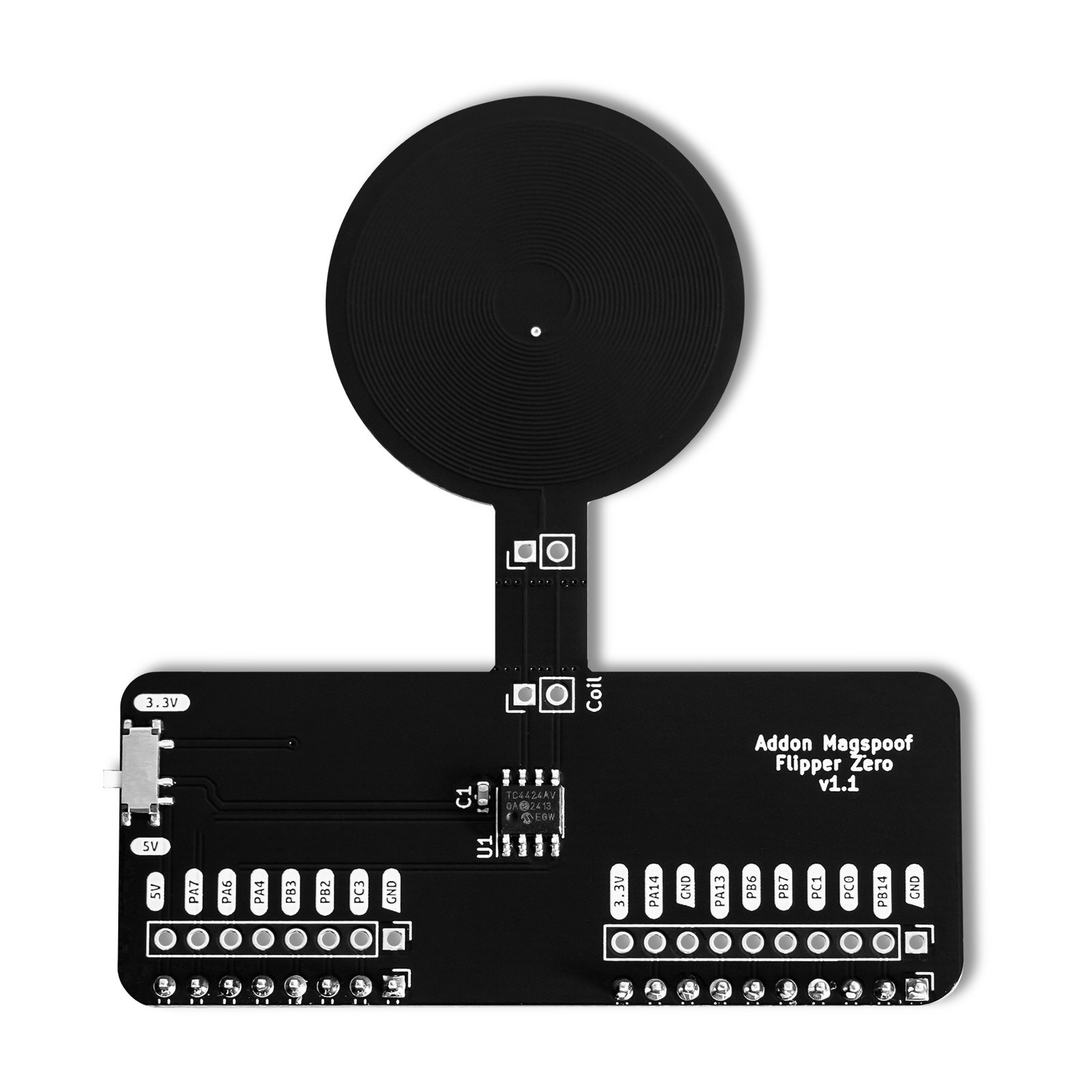
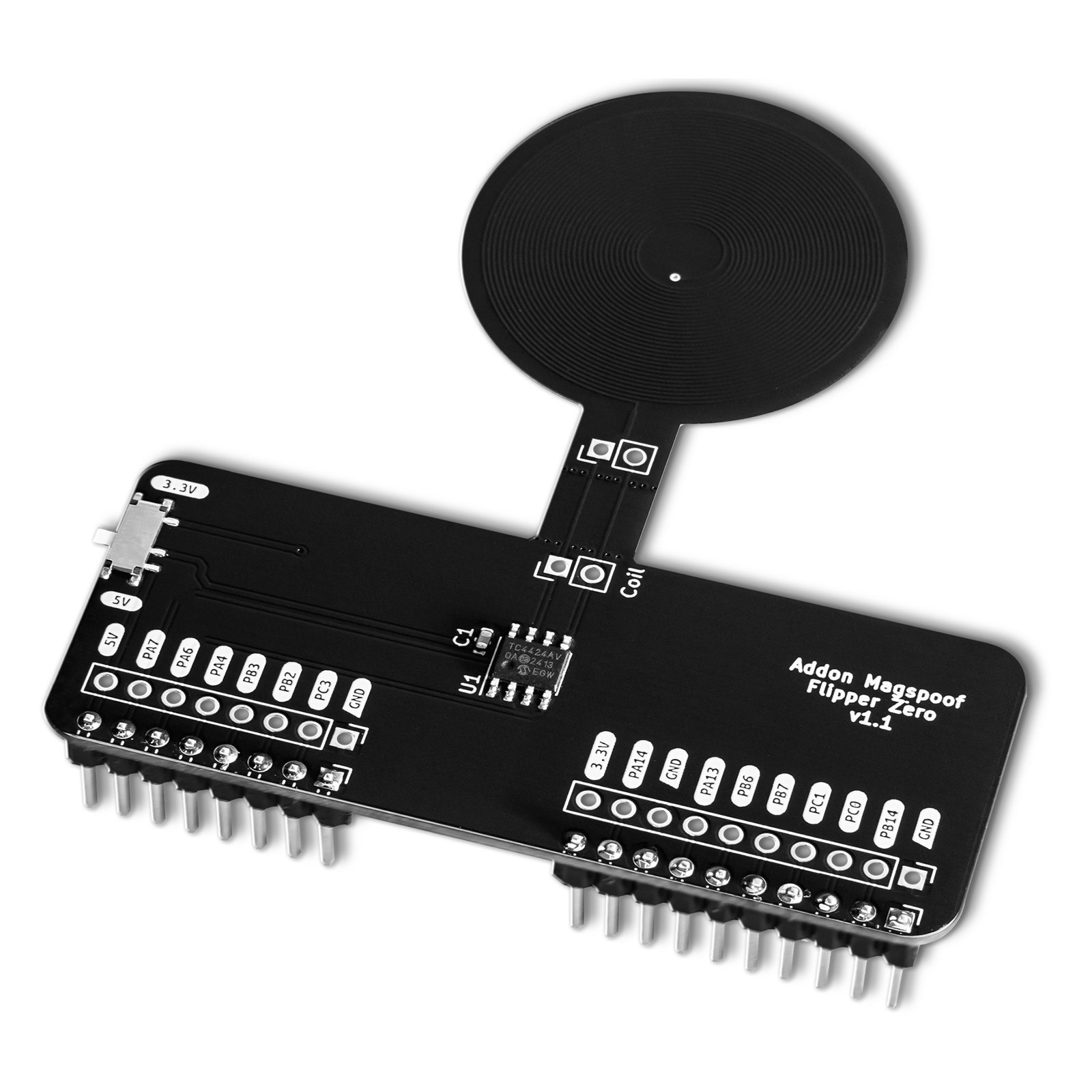
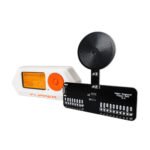
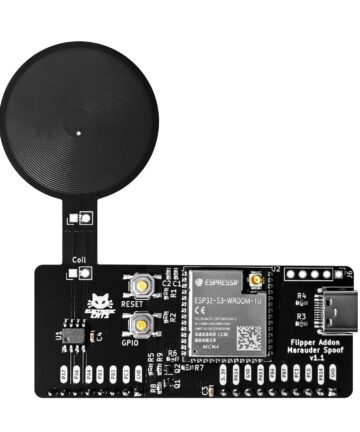
A Flipper Zero add-on that wirelessly emulates magnetic stripe cards, generating an electromagnetic field that standard magstripe readers accept without needing a physical swipe.
$28.00
In stock
- Flipper Zero
- Standard magstripe readers, wirelessly, no swipe
- Unleashed firmware for Flipper Zero (recommended)
- qFlipper, to load .mag card files over USB
In the box
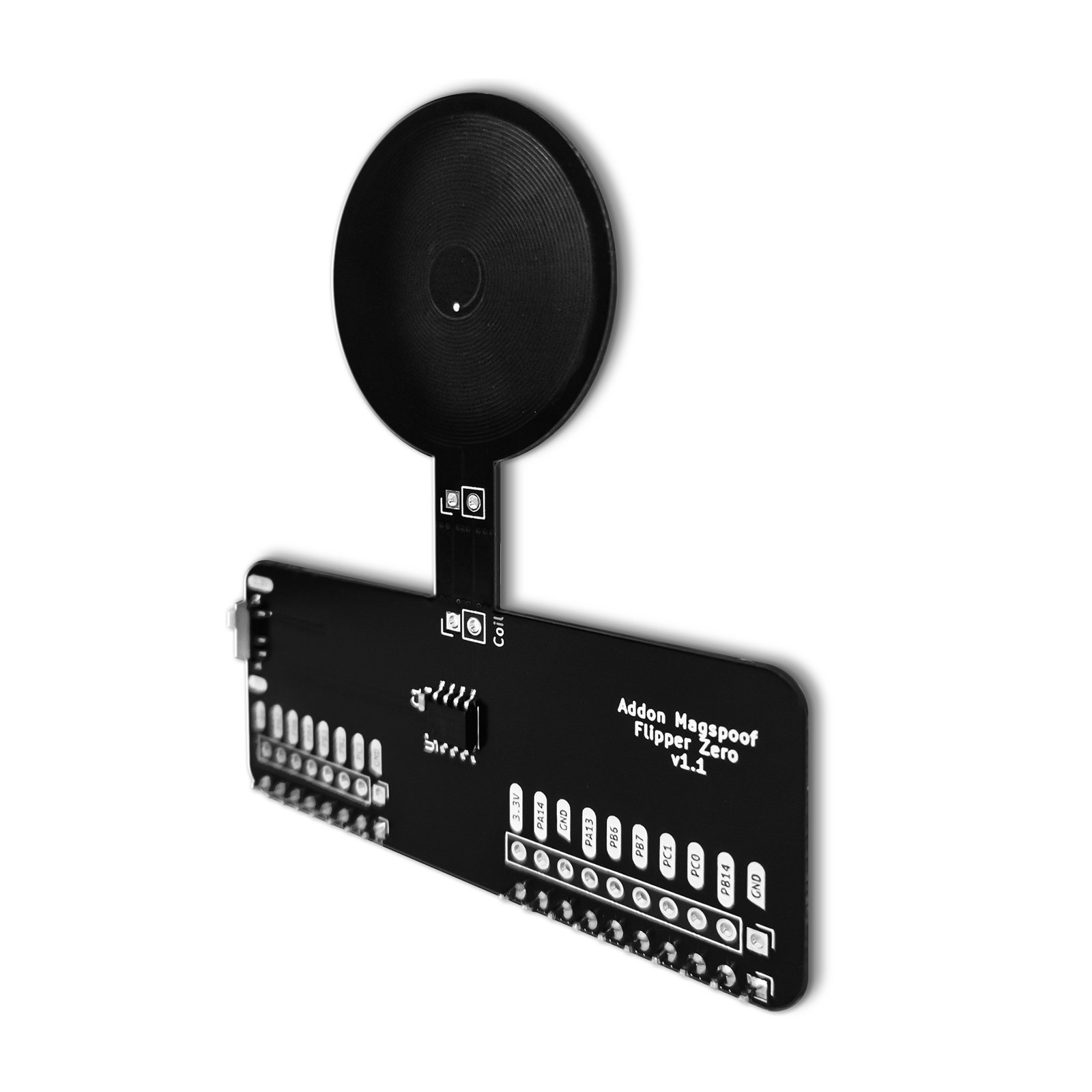
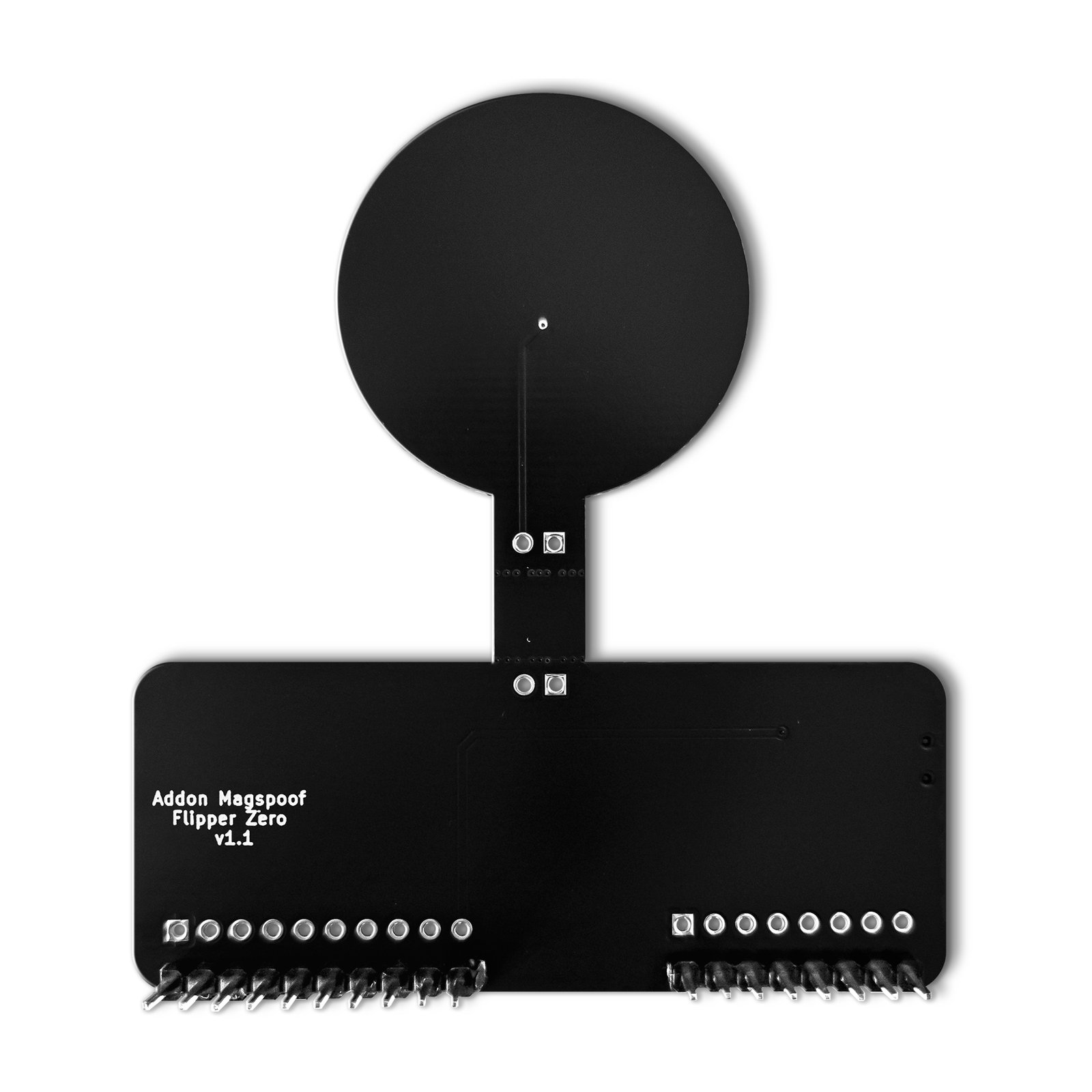
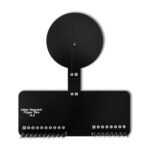
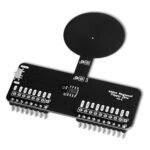
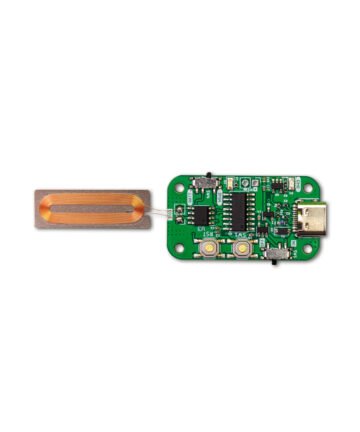
Flipper Add-On MagSpoof board only (the antenna coil is integrated in the PCB)
Not included
The Flipper Zero and a USB magstripe card reader are not included — both are required separately.
You also need
A Flipper Zero (sold separately)
A USB magstripe card reader, to read the tracks of the card you’re authorized to test
A USB magstripe card reader, to read the tracks of the card you’re authorized to test
- 13 GitHub Stars
- DEF CON · HackGDL · BugCon
- Designed and built in Aguascalientes, Mexico
- Hardware CERN-OHL v1.2 · firmware MIT
Test a magstripe-based access system — with permission
You’re running an authorized security audit of a card-based reader or access point. Read the target card’s tracks with a USB magstripe reader, load them onto the Flipper Add-On MagSpoof, choose which tracks to emulate (Track 1+2 together is typical), and present the card wirelessly to the reader — no physical swipe needed. Electronic Cats has confirmed basic transmission working against an MSR90 magstripe reader. Always confirm you have authorization before testing a system you don’t own or operate.
Study magstripe emulation on a reader you control
You’re researching how magstripe emulation works, on a reader you’re authorized to test. Attach the Add-On, load a .mag test card in the MagSpoof app and send it: the coil creates the field a physical swipe would, and the Track 1 and Track 2 data shows up live on the computer the reader is connected to.
Run a hands-on magstripe workshop or CTF station
Follow the same 10-step walkthrough Electronic Cats published — from reading a test card’s tracks with a USB reader to emulating it on the Flipper — as the script for a workshop or CTF station on physical security. Bring your own Flipper Zero and a USB magstripe reader (both required, sold separately), and keep the framing visible throughout: this is a tool for authorized security audits only.
Start in 10 minutes
- Get your card’s track data. Connect a USB magstripe reader to your computer and swipe the card you’re authorized to test — the Track 1/2 data reads out as plain text (see the full tutorial for the template file).
- Fill in the template and save it. Replace the placeholder data in the tutorial’s
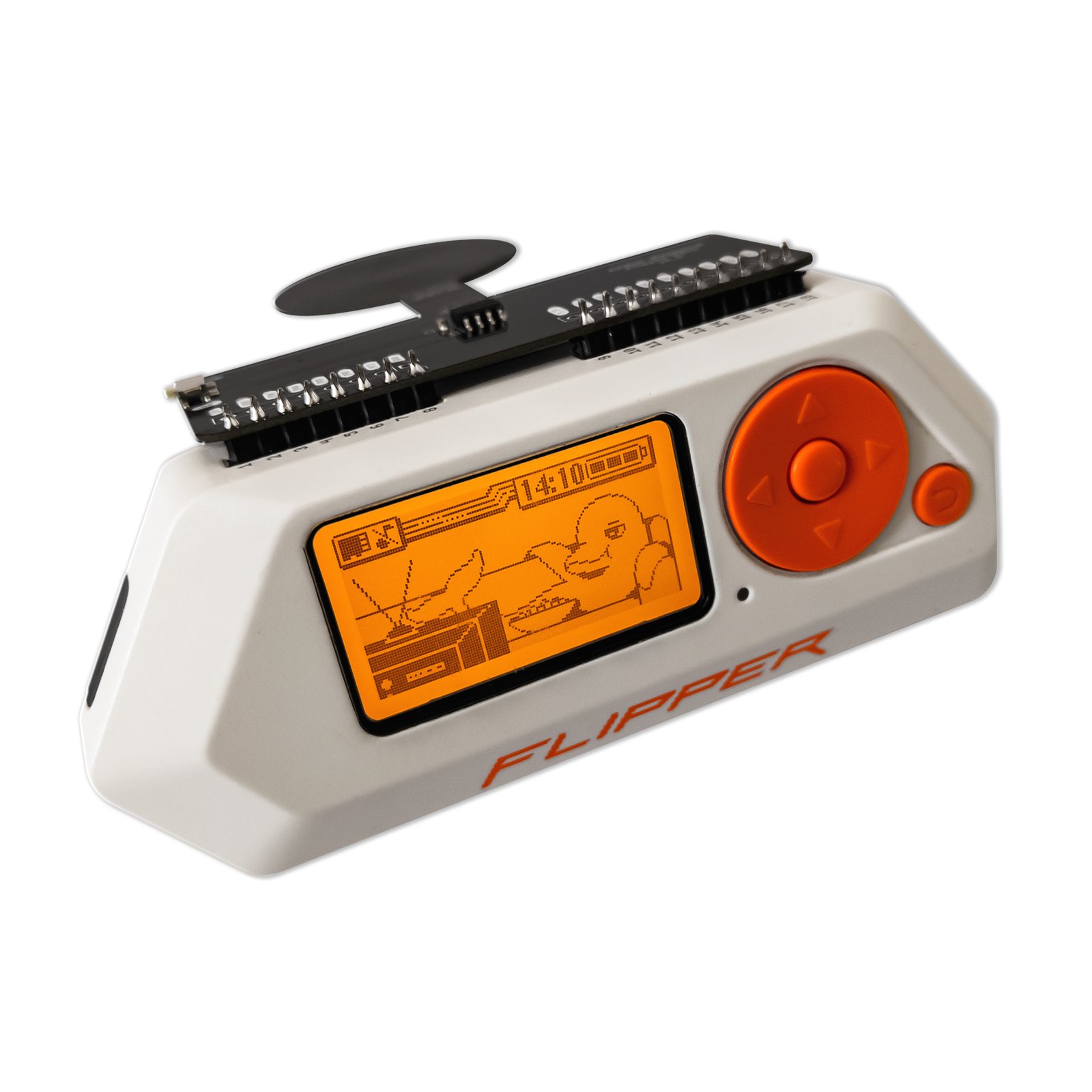
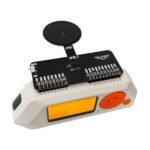
.magtemplate with your track data, then copy it to the Flipper Zero’smagfolder on the SD card — directly, or over USB with qFlipper. - Attach the Add-On and open the MagSpoof app (in the Flipper’s GPIO apps folder — source on GitHub), then open Saved Cards and select your file.
- Configure which tracks to emulate — Track 1+2 together is typical — and set the power switch to 3.3V (no USB power) or 5V (external/USB power, for longer wireless range).
- Press Send to emulate the card.
| Weight | 0.015 g |
|---|---|
| Dimensions | 18 × 12.5 × 2 cm |
| TX driver | TC4424 chip (amplifies the Flipper's pulses to the coil, no physical swipe needed) |
| Track support | Track 1 + Track 2 (simultaneous emulation) |
| Power switch | 3.3V (Flipper without USB power), 5V (external/USB power — longer wireless range) |
| Alternate TX (experimental) | RFID coil + speaker path — weaker signal, not yet reliably decoded by compact readers |
| Firmware app | MagSpoof app for Flipper Zero — emulation fully functional |
| Released | 2023 |
| Firmware license | MIT |
| Hardware license | CERN Open Hardware Licence v1.2 |
I need a case for my board.
3D-printable STL case files are available in the Flipper Add-Ons GitHub repo’s case folder — currently for the Marauder, SubGHz, and MagSpoof Add-Ons.
Is the Flipper Add-On MagSpoof legal to use?
MagSpoof is a wireless penetration-testing tool built solely for authorized security audits, in compliance with applicable laws and regulations. Always confirm you have the necessary permissions before testing a system you don’t own or operate.
My question is not here!
Contact the Electronic Cats Support Team through the Contact Us page at electroniccats.com/contact/.
You may also like…
Security
Security
Security