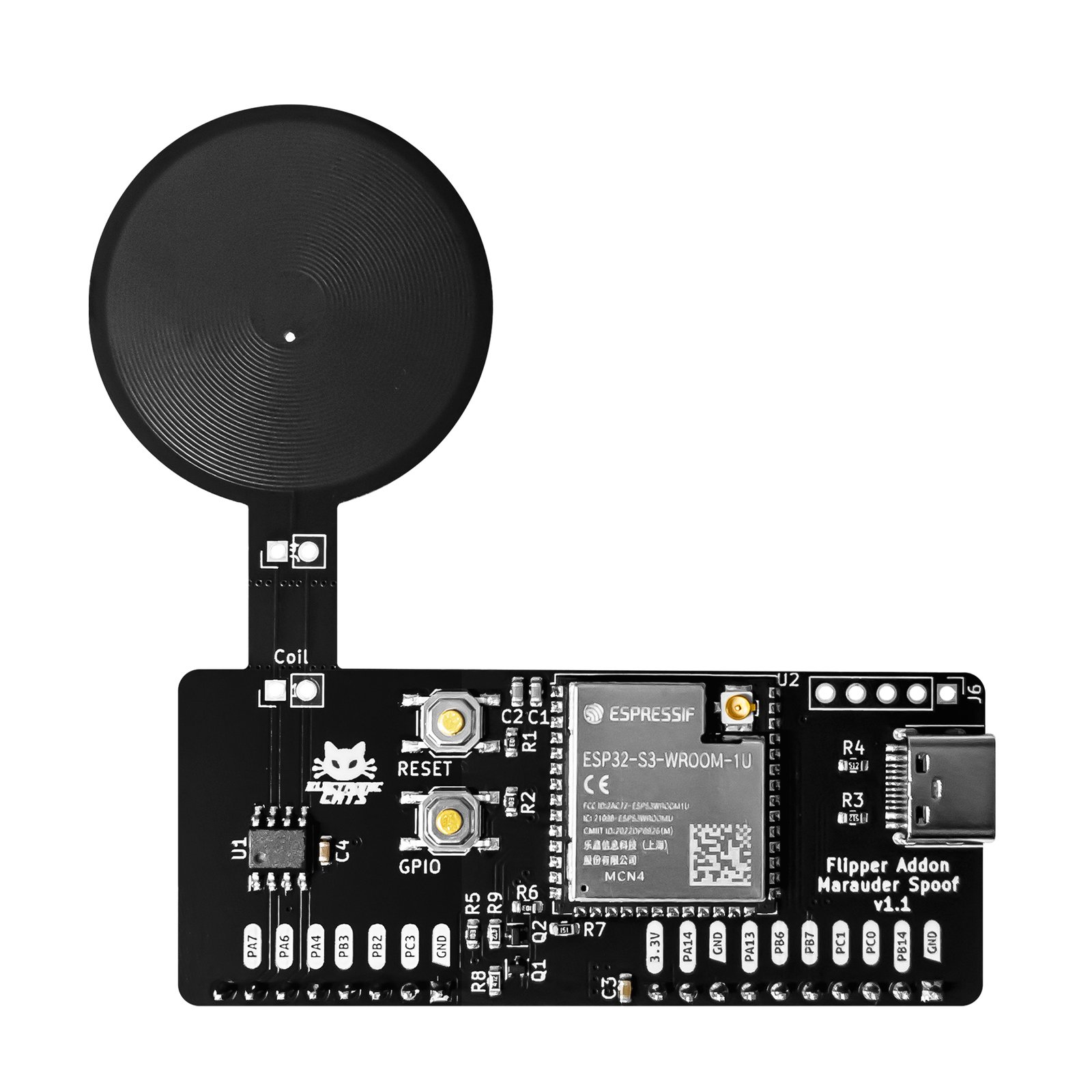
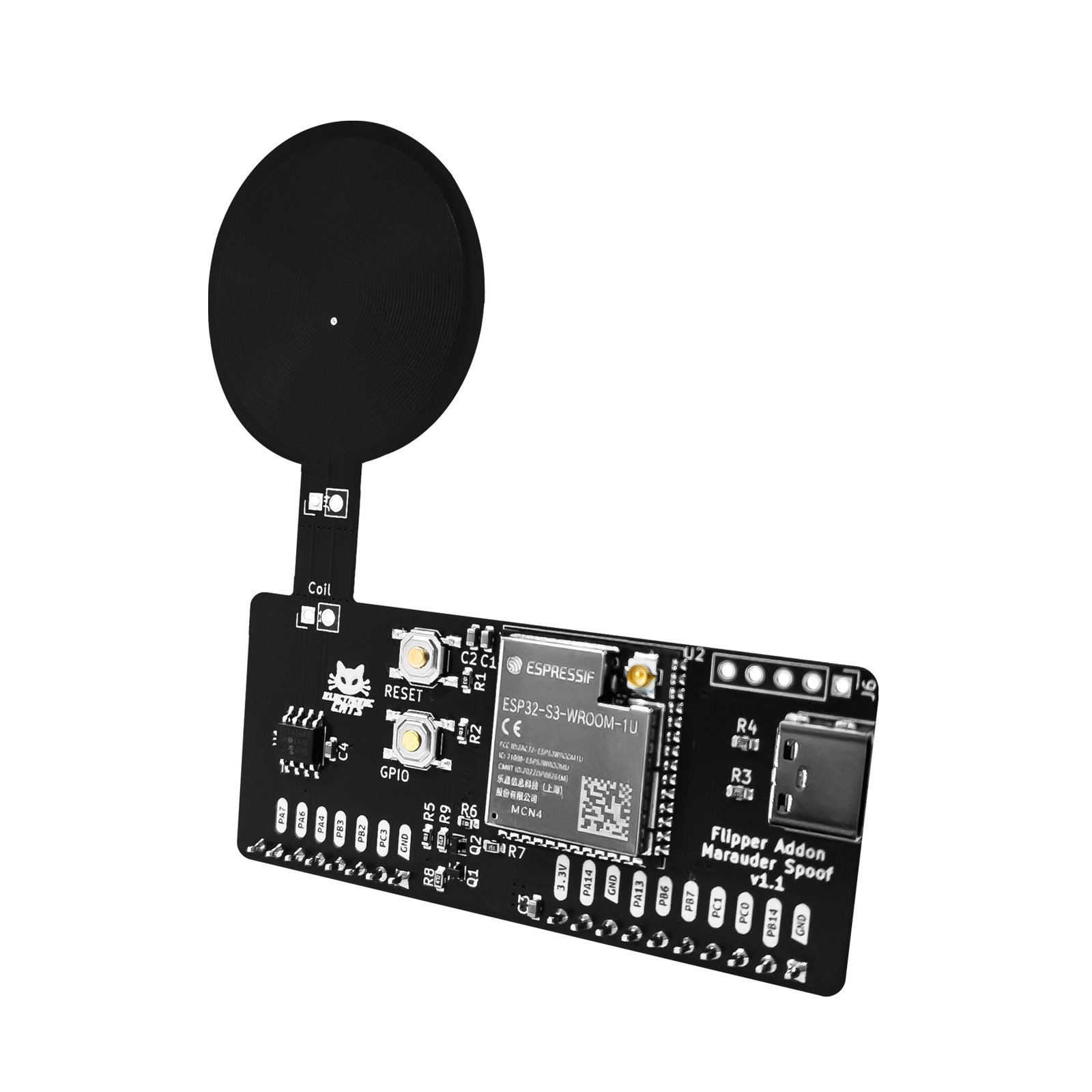


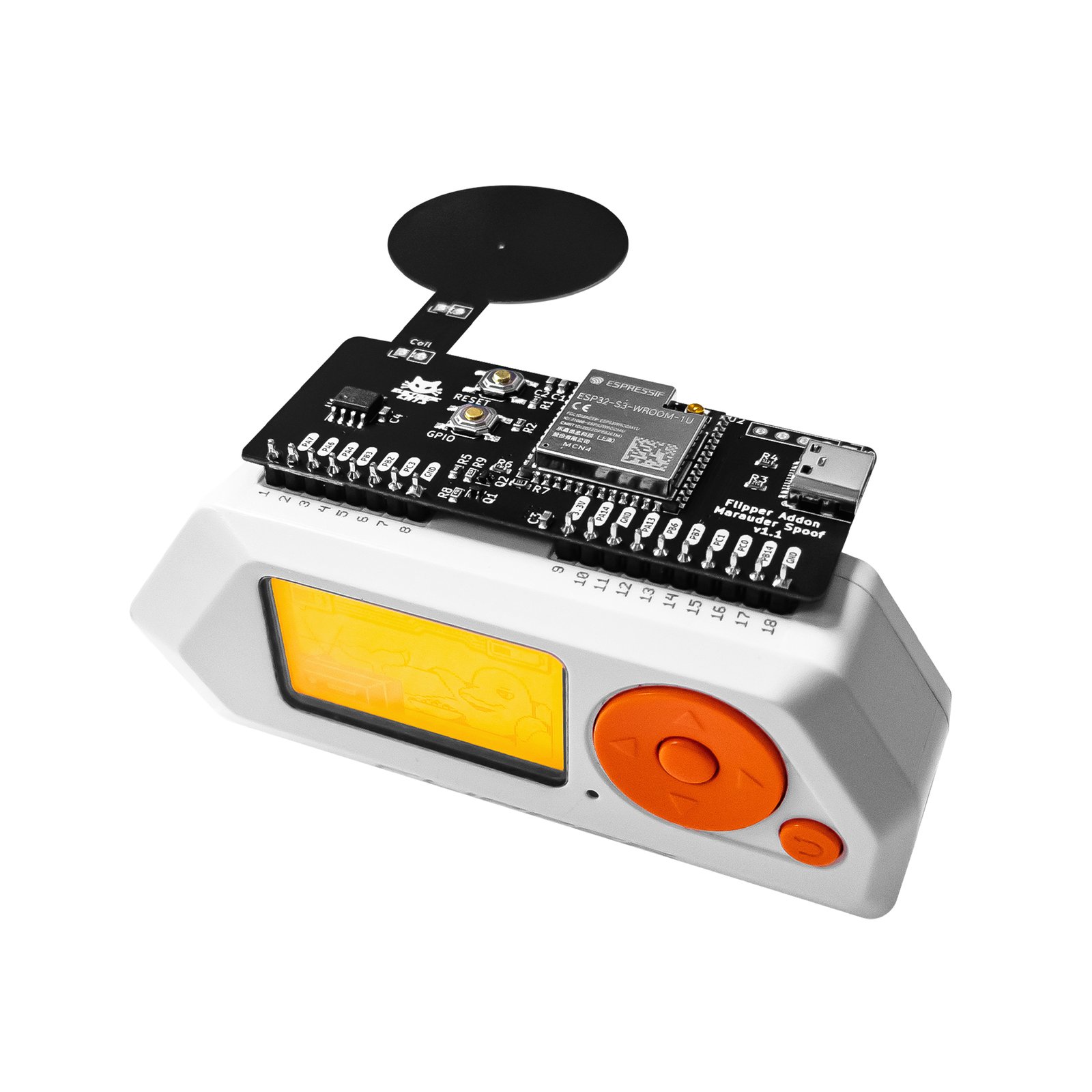
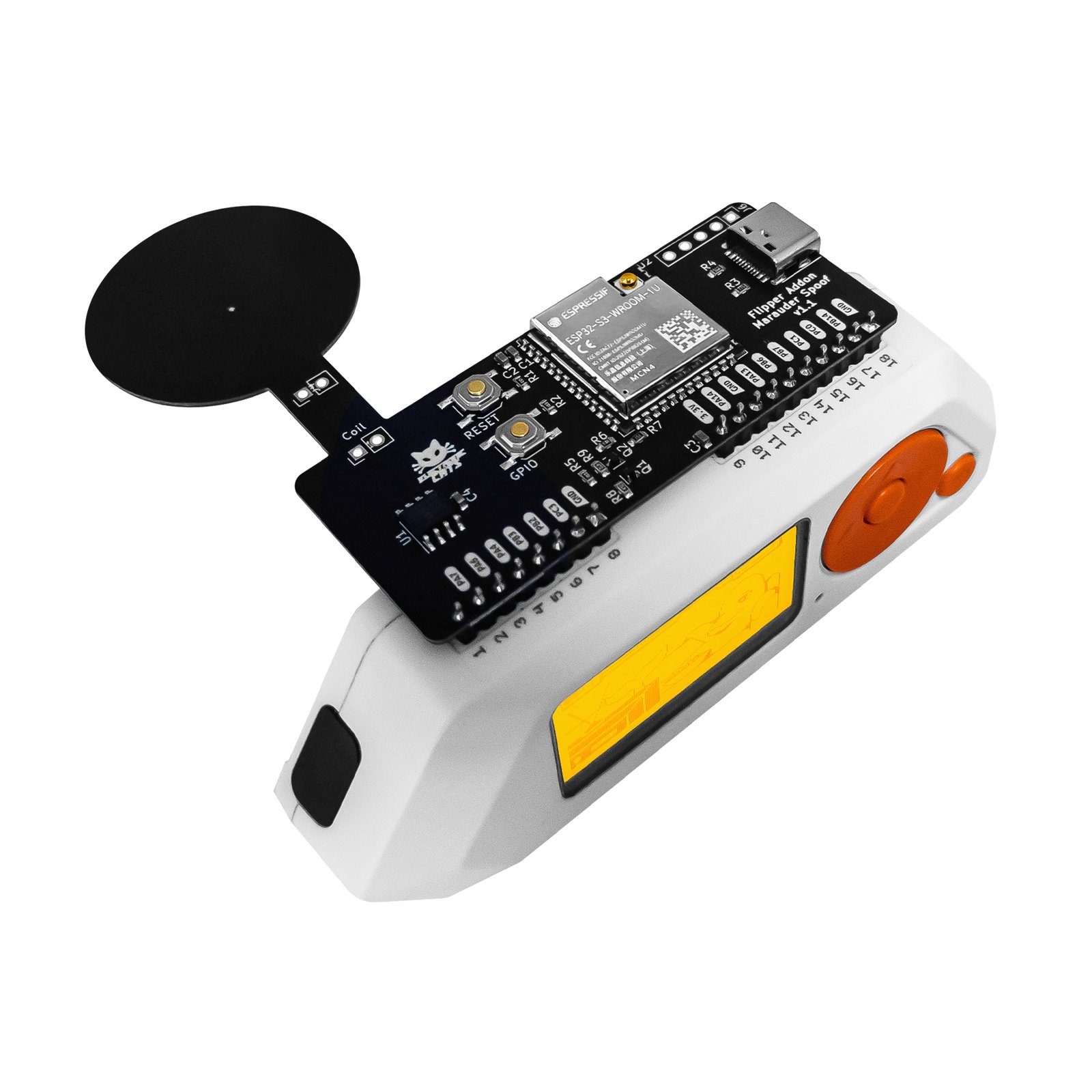
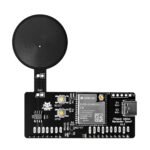
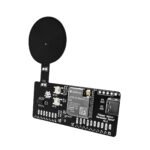
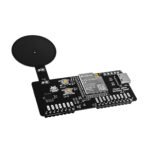
Flipper Add-On: Marauder_Spoof
One Flipper Zero add-on, two tools: WiFi/Bluetooth security analysis with Marauder, plus magnetic-stripe card emulation with Electronic Cats' MagSpoof.
$50.00
Out of stock
Email when stock available
- Flipper Zero
- Wireshark (via .pcap, .log and .json exports)
- Marauder UI Pro -- browser dashboard and Android app
- USB magstripe reader to read a test card's tracks
In the box
Not included
You also need
- 130 GitHub Stars
- DEF CON · HackGDL · BugCon
- Designed and built in Aguascalientes, Mexico
- Hardware CERN-OHL v1.2 · MagSpoof app MIT
What is Marauder + MagSpoof?
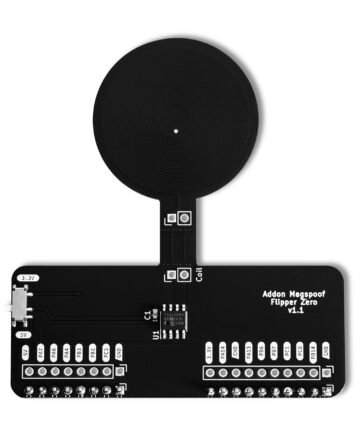
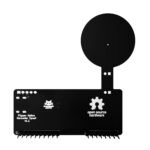
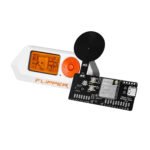
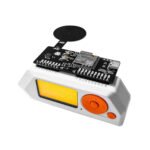
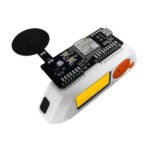
Flipper Add-On: Marauder + MagSpoof combines the same ESP32 Marauder WiFi/Bluetooth analysis board sold on its own as the Marauder add-on with Electronic Cats’ MagSpoof, its magnetic-stripe card emulator, on a single board for the Flipper Zero. The module ships with Marauder firmware factory-loaded, ready for WiFi and Bluetooth frame capture, device enumeration and frame transmission. MagSpoof emulates a magnetic-stripe card wirelessly: a TC4424 driver chip amplifies pulses from the Flipper Zero into a coil, generating an electromagnetic field that mimics swiping a card through standard magstripe readers, no physical swipe needed, for authorized security audits. Where the standalone Marauder add-on covers WiFi/Bluetooth testing alone, this variant adds that wireless magstripe emulation without swapping boards.
Turn a capture into evidence you can open in Wireshark
Work from your phone when there is no laptop on site
Teach a magstripe lab from a step-by-step tutorial
Start in 10 minutes
- Prepare the Flipper Zero: flash a firmware whose API version matches the add-on apps. Electronic Cats recommends Unleashed Firmware. Use qFlipper (the official desktop tool) or the official Flipper mobile app: connect over USB, choose “Install from file”, then Install.
- Install the Marauder UI Pro dashboard’s dependencies: with Node.js in place, run
npm installin the project folder. - Launch it with
npm run dev— or skip the local setup entirely and open the hosted demo. - Open the dashboard in Chrome or Edge, click Connect, and select the ESP32 Marauder device’s COM port (Web Serial API).
| Weight | 0.020 g |
|---|---|
| Dimensions | 18 × 12.5 × 2 cm |
| MCU | ESP32-S3 (dual-core Xtensa LX7, up to 240 MHz) |
| SRAM | 512 KB |
| ROM | 384 KB |
| Security | Secure boot |
| WiFi | 2.4 GHz, 802.11b/g/n, 40 MHz bandwidth |
| Bluetooth | BLE 5 with Coded PHY (long range), 2 Mbps PHY, mesh support |
| Factory firmware | ESP32 Marauder (pre-loaded) |
| Magstripe driver | TC4424 driver chip |
| Power source | Selectable 3.3V / 5V via physical switch |