

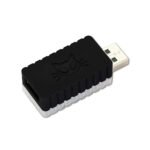
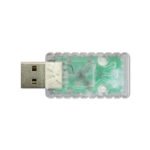
PAW Protector USB Data Blocker
A USB data blocker for public chargers: PAW Protector blocks the data pins, passes the charge at up to 2.4A, and needs no setup.
$20.00
In stock
- Phones and tablets that charge from a USB-A cable
- Fast charging up to 2.4A: Apple Fast Charge, Quick Charge
- No app, batteries or setup: just plug it in
- Wall chargers, computers and public USB-A ports
In the box
Not included
You also need
A USB-A charger or power source (wall adapter or computer/PC USB port)
- 4 GitHub Stars
- DEF CON · HackGDL · BugCon
- Designed and built in Aguascalientes, Mexico
- Hardware CERN-OHL v1.2
What Is PAW Protector?
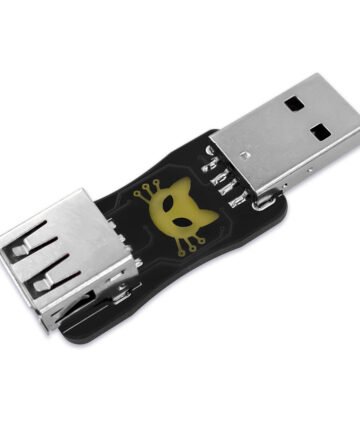
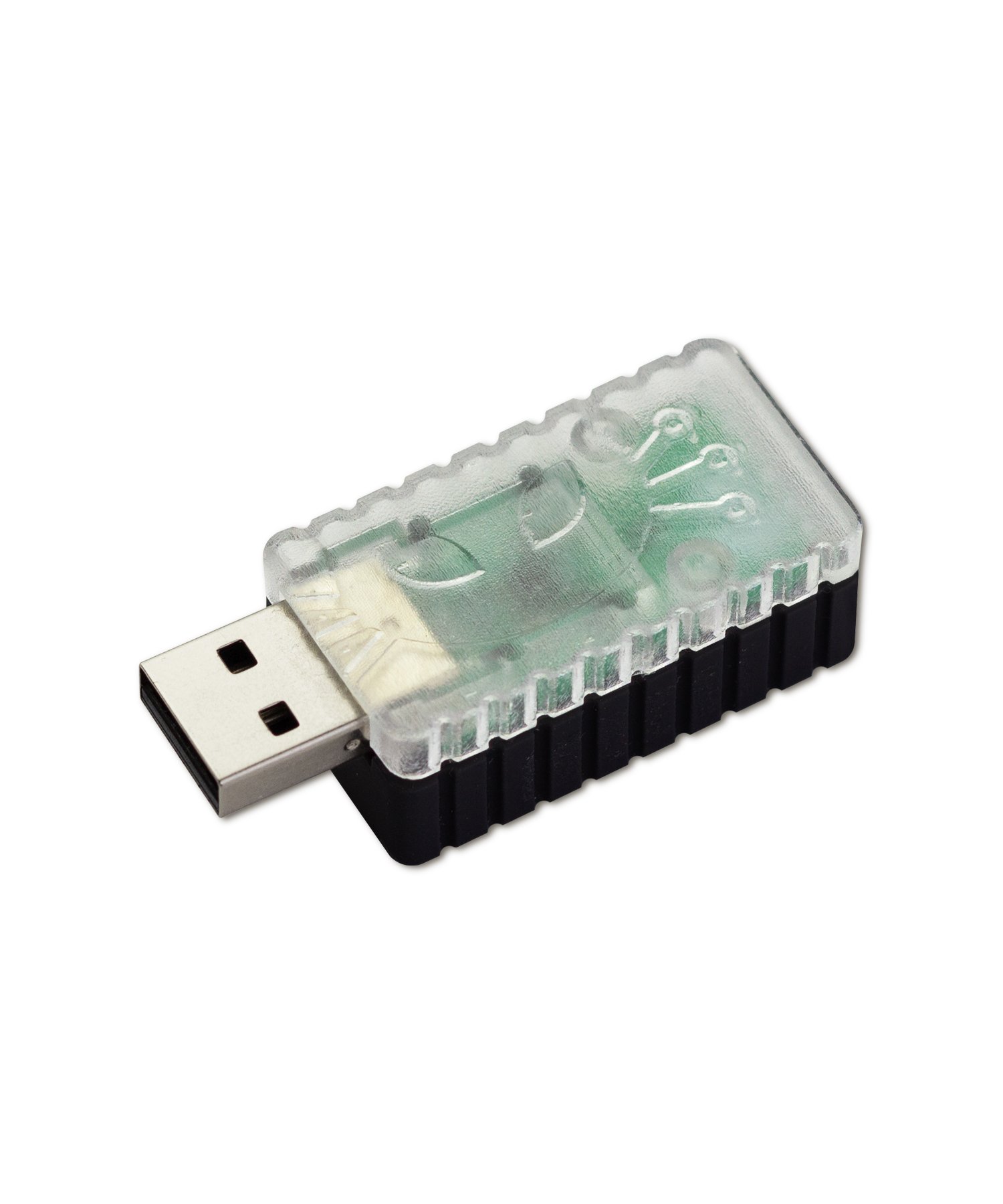
PAW Protector is a USB data blocker: a small inline USB-A adapter that physically disconnects the USB data pins and passes only power, so a public charger can charge your phone but never read it. Public USB chargers, at airports, cafes, and rental cars, can do more than charge your phone. The same cable can carry data, and someone could use that connection to read your files or install malware without you noticing. This is called “juice jacking.”
Plug PAW Protector between your cable and the public charger and only power gets through. Your phone still charges at full speed, up to 2.4A, the same as normal.
There is nothing to set up. No app, no pairing, no buttons. In testing, a phone stopped being recognized as a data device the moment PAW Protector was connected, proof the data path was closed, while charging speed stayed the same.
Charging Safely at the Airport, Cafe, or Anywhere Public
Charging a USB Gadget You Don't Trust
Charging Your Phone in a Rental Car
Start in 10 minutes
- Grab your PAW Protector and your device’s charging cable.
- Plug the PAW Protector into the public USB charging port.
- Connect your device’s charging cable to the PAW Protector’s other USB port.
- That’s it: your device charges safely, with all data transfer blocked.
Full step-by-step walkthrough on the project wiki.
| Weight | .080 g |
|---|---|
| Dimensions | 18 × 12.5 × 2 cm |
| Connector | USB-A to USB-A |
| Category | USB data blocker ("USB condom") |
| Setup level | Plug-and-play — no firmware, app, or configuration |
| Data-blocking mechanism | Physically blocks USB data pins while passing charging current |
| Power requirement | None — fully passive device, no batteries |
| Max charging current | Up to 2.4A |
| Fast-charge compatibility | Apple, Samsung, Universal, Apple Fast Charge, Quick Charge |
| Power distribution switch | TPS2561 — dual-channel, current limiting, short-circuit/capacitive-load protection |
| Charging port controller | TPS2514A — auto-detects DCP signatures for correct fast-charge current |
| ESD protection | TPD2E001 — diode-array TVS on the data lines |
| Hardware license | CERN Open Hardware Licence v1.2 |