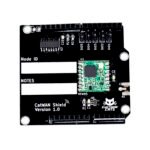
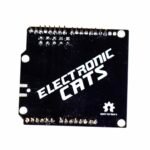
CatWAN Arduino Shield
A long-range, open-hardware Arduino shield for LoRa: link two boards directly, or join a LoRaWAN network like The Things Network.
$55.00 Original price was: $55.00.$27.50Current price is: $27.50.
Only 1 left in stock
- Arduino UNO R3 and UNO R4 (Minima and WiFi)
- BastWAN as the sender in point-to-point LoRa
- The Things Network (TTN) for LoRaWAN ABP Class C
- Arduino IDE — LoRa, RadioHead and Beelan libraries
In the box
Not included
You also need
- 4 GitHub Stars
- Designed and built in Aguascalientes, Mexico
- Hardware CERN-OHL v1.2 · firmware AGPL-3.0
What is the CatWAN Arduino Shield?
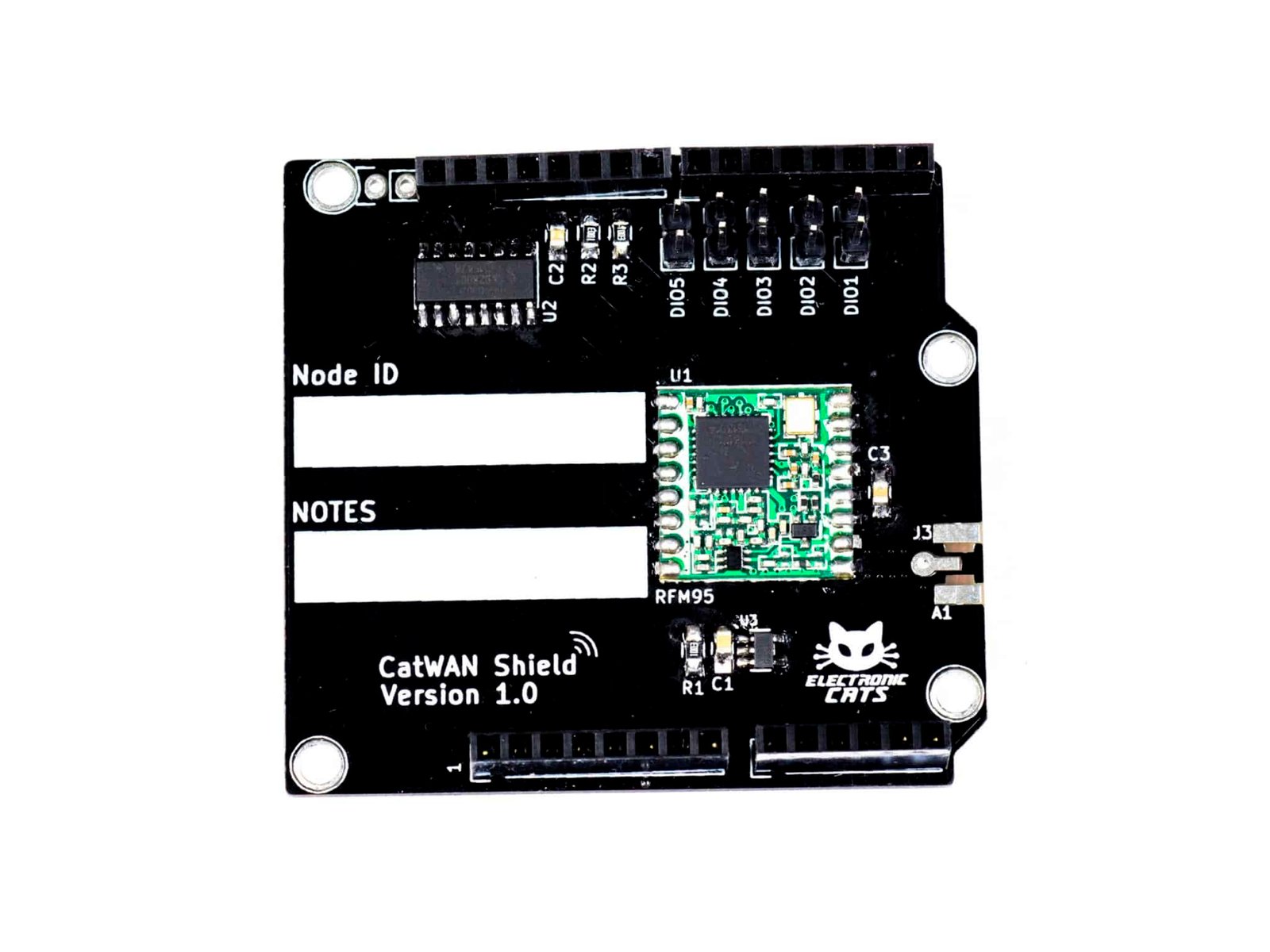
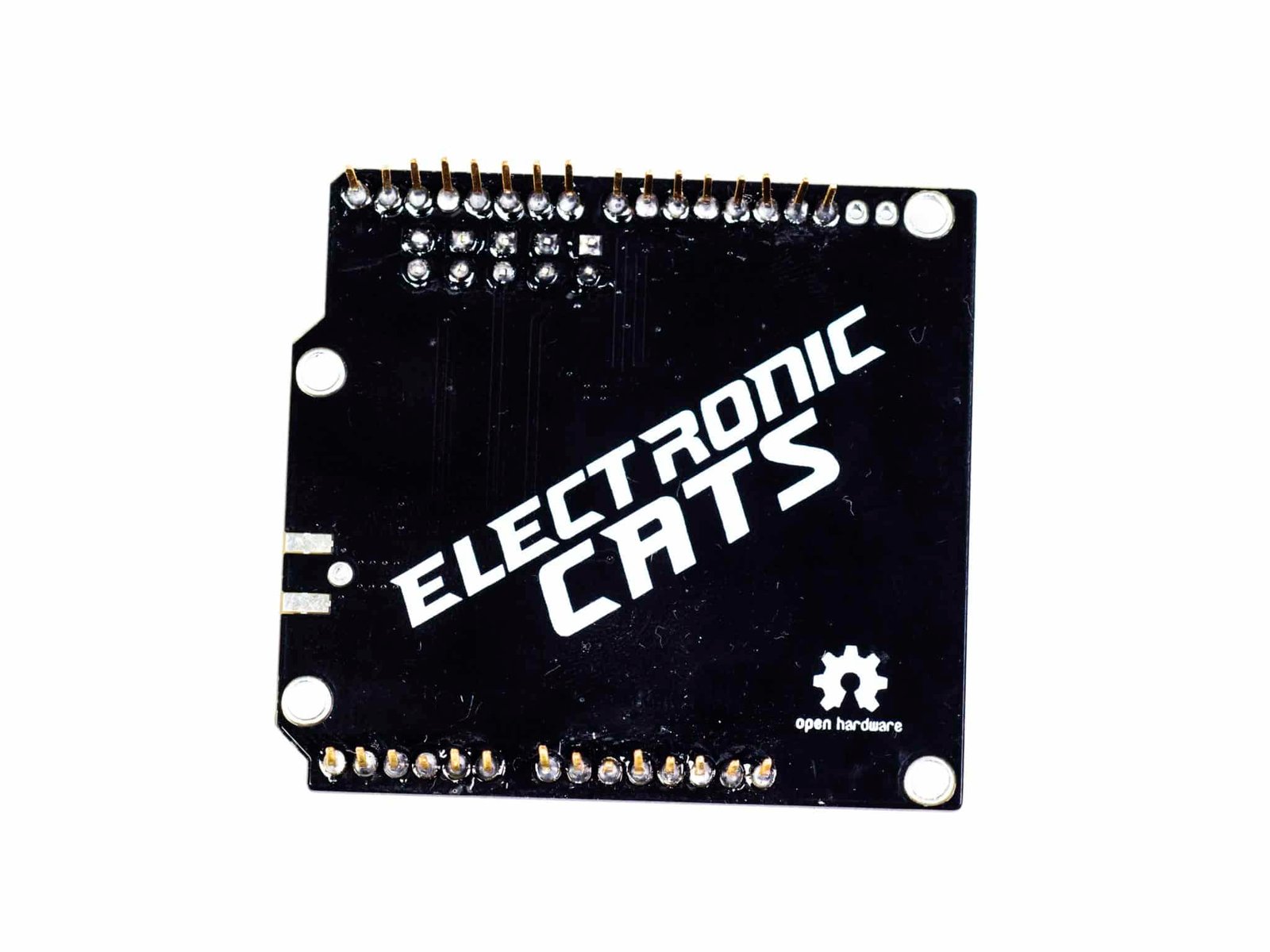
The CatWAN Arduino LoRa Shield is a long-range transceiver for Arduino, built on open-source libraries including lmic and RFM95, that sends data over extended distances on low power. It plugs onto an Arduino UNO, UNO R4 Minima, or UNO R4 WiFi board, adding a 900 MHz LoRa radio with a +20 dBm power amplifier and sensitivity better than -148 dBm — up to 2 km line-of-sight with a wire antenna, or up to 20 km with a directional one. There’s no separate firmware to flash: install two Arduino libraries (LoRa, Beelan LoRaWAN) and upload an example sketch from the shield’s own repo. From there it supports two documented setups: a point-to-point link with another Electronic Cats board (BastWAN), or joining a LoRaWAN network like The Things Network via ABP. No antenna is included — solder a short wire to the pad, or add one through the optional SMA footprint.
Point-to-point LoRa link with another Electronic Cats board
Joining a LoRaWAN network with The Things Network
Prototype a LoRa Sensor Node for Irrigation or Metering
Start in 10 minutes
- Download and install the Arduino IDE.
- Install the “LoRa” library by Sandeep Mistry from the Arduino IDE’s Library Manager (Sketch > Include Library > Manage Libraries > search “LoRa”).
- Install the “Beelan LoRaWAN” library by Eduardo Contreras the same way, searching “Beelan”.
- Open one of the example sketches in the CatWAN Shield repo under /Examples (LoRa_PHY, LoRa_PHY_RH, or LoRa_WAN) and upload it to your Arduino.
| Weight | 0.030 g |
|---|---|
| Dimensions | 18 × 12.5 × 2 cm |
| Radio module | RFM95W (Semtech SX1276-based) |
| Frequency band | 900 MHz hardware, software-tunable to 868 MHz or 915 MHz |
| TX power | +20 dBm integrated power amplifier |
| Receiver sensitivity | Better than -148 dBm |
| Range | Up to ~2 km line-of-sight (wire antenna); up to ~20 km with a directional antenna |
| Onboard voltage regulator | 3.3V |
| Logic level support | 3V and 5V, via onboard level-shifter |
| Compatible boards | Arduino UNO R3, Arduino UNO R4 Minima, Arduino UNO R4 WiFi |
| Hardware license | CERN Open Hardware Licence v1.2 |
| Firmware/example code license | GNU AGPL v3.0 |
You may also like…