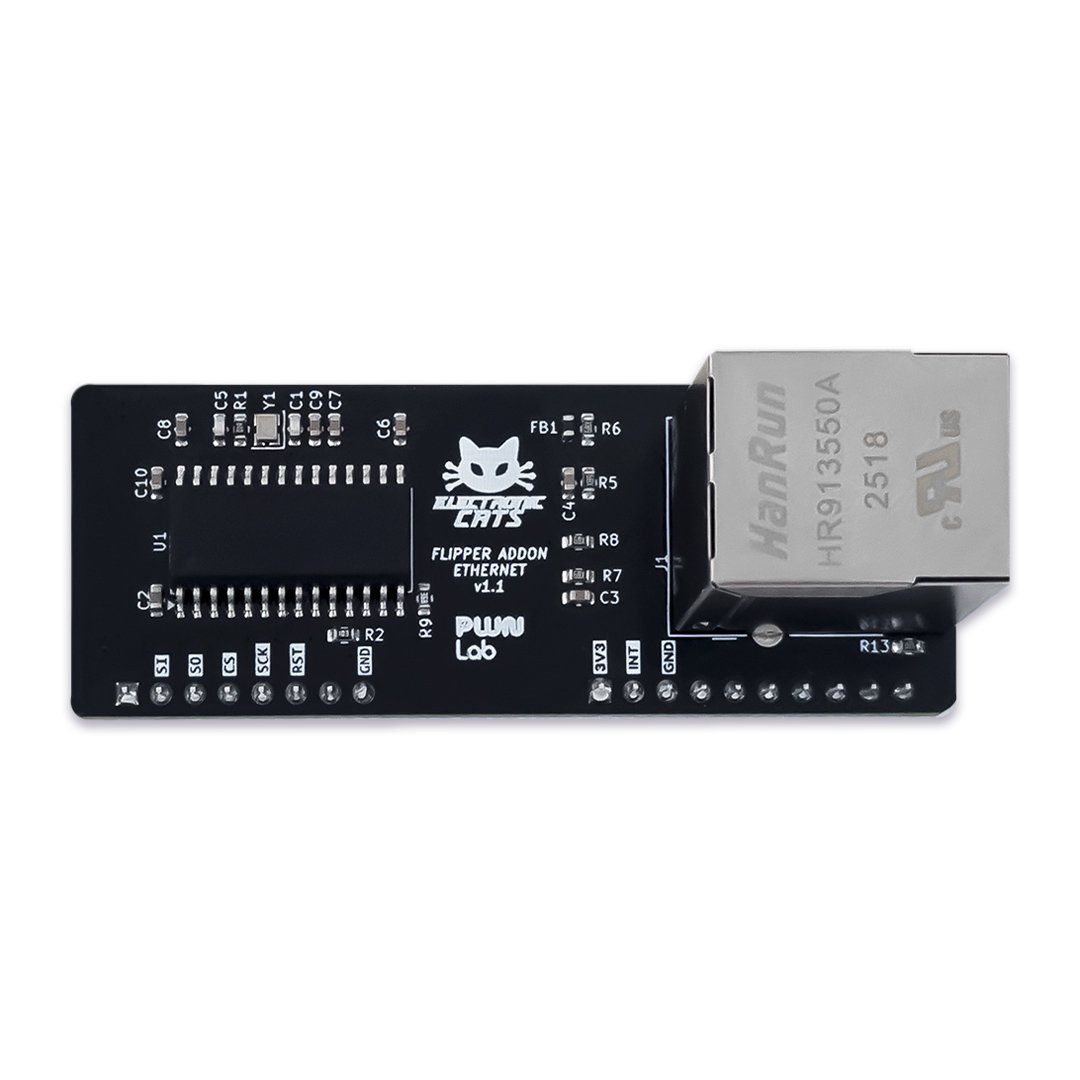
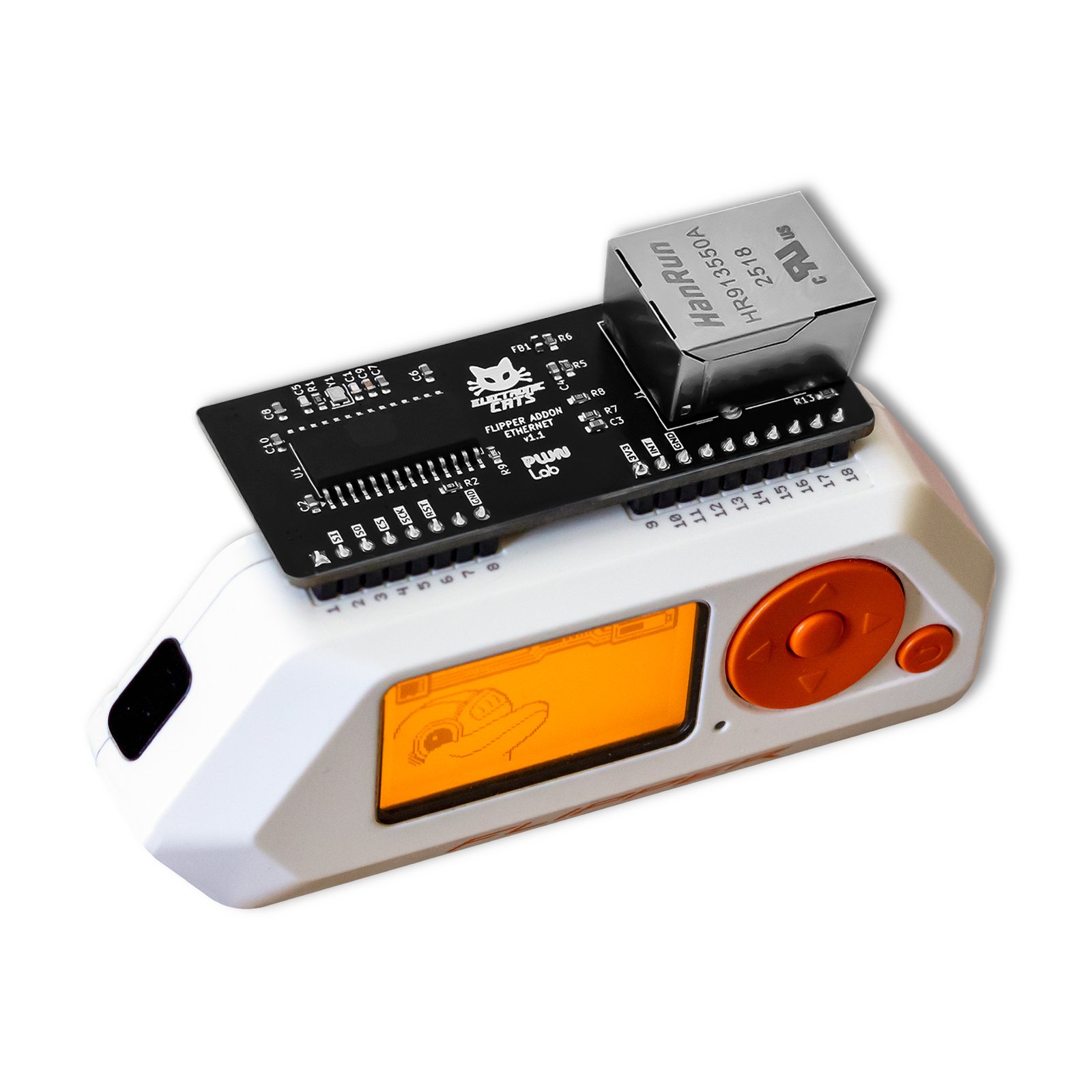
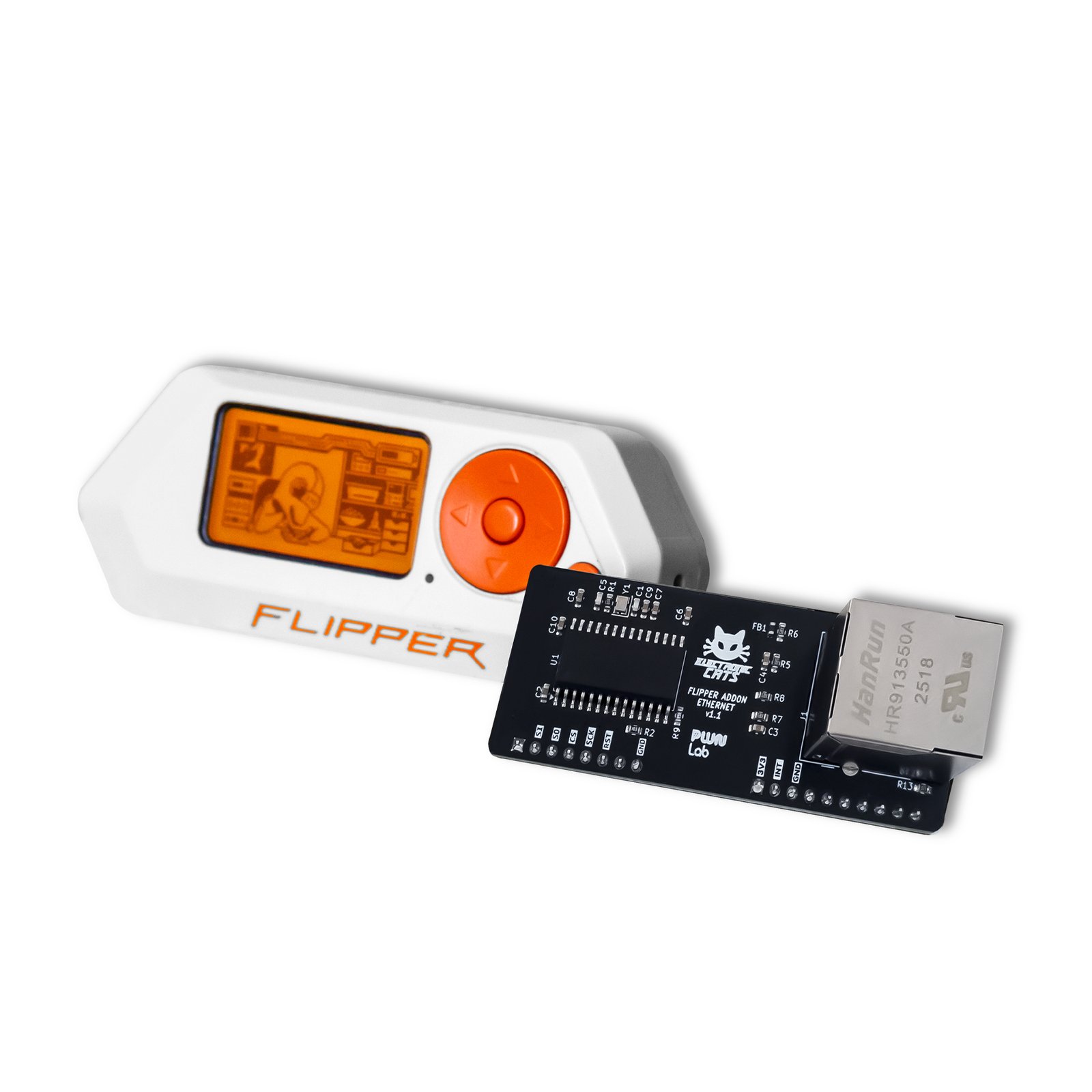
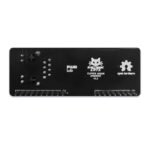
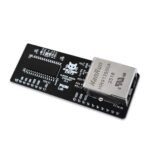
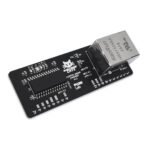
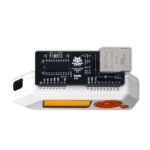
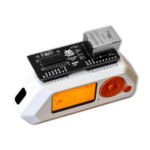
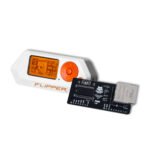
Flipper Add-On: Ethernet
Turn your Flipper Zero into a wired-network auditor: scan, spoof-test, and sniff Ethernet LANs you are authorized to access.
$25.00
Available, ships from Mexico
- Wired Ethernet / LAN networks (10BASE-T)
- LLDP switches, routers, access points and servers
- Official, Unleashed or custom Flipper Zero firmware
- Wireshark (for deep PCAP analysis)
In the box
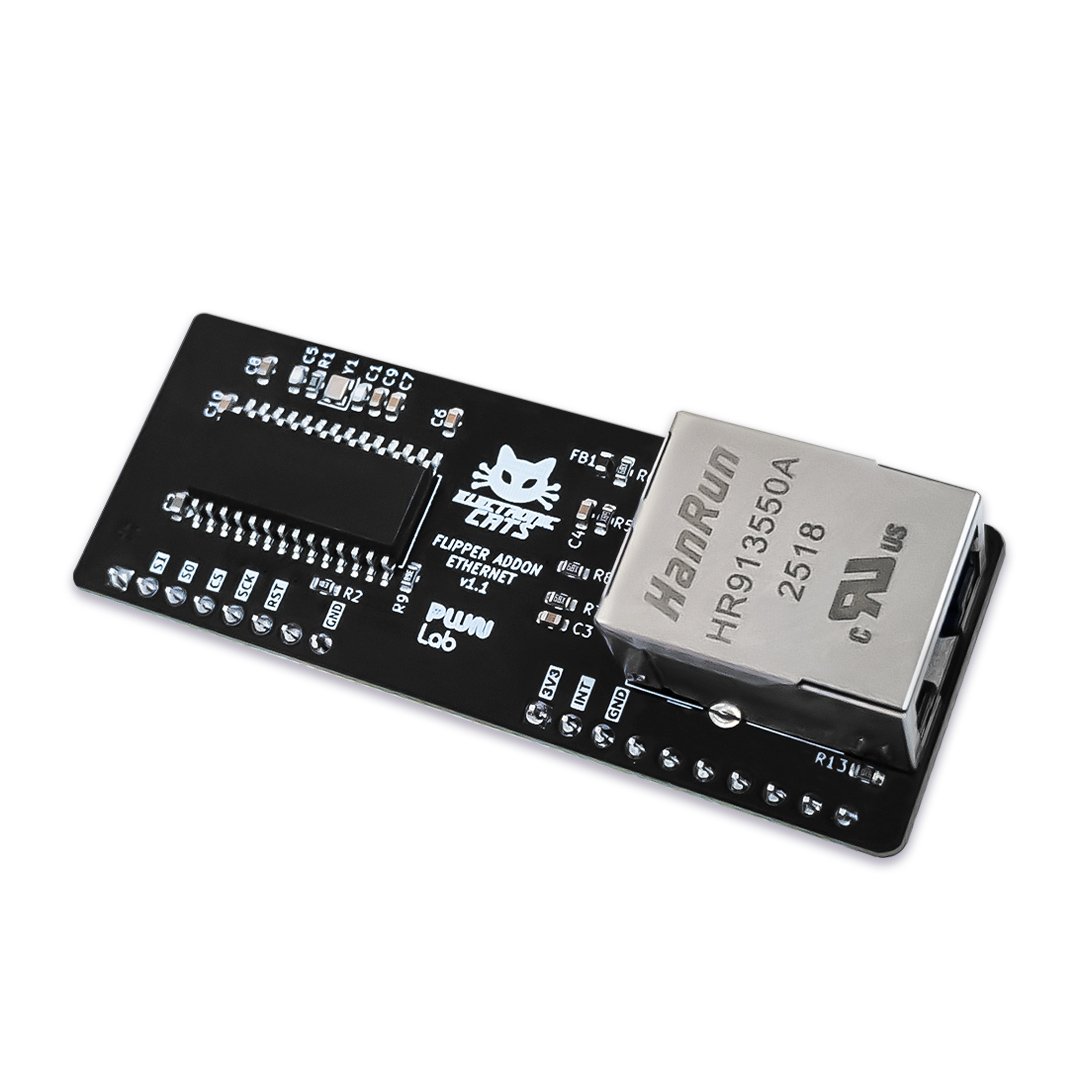
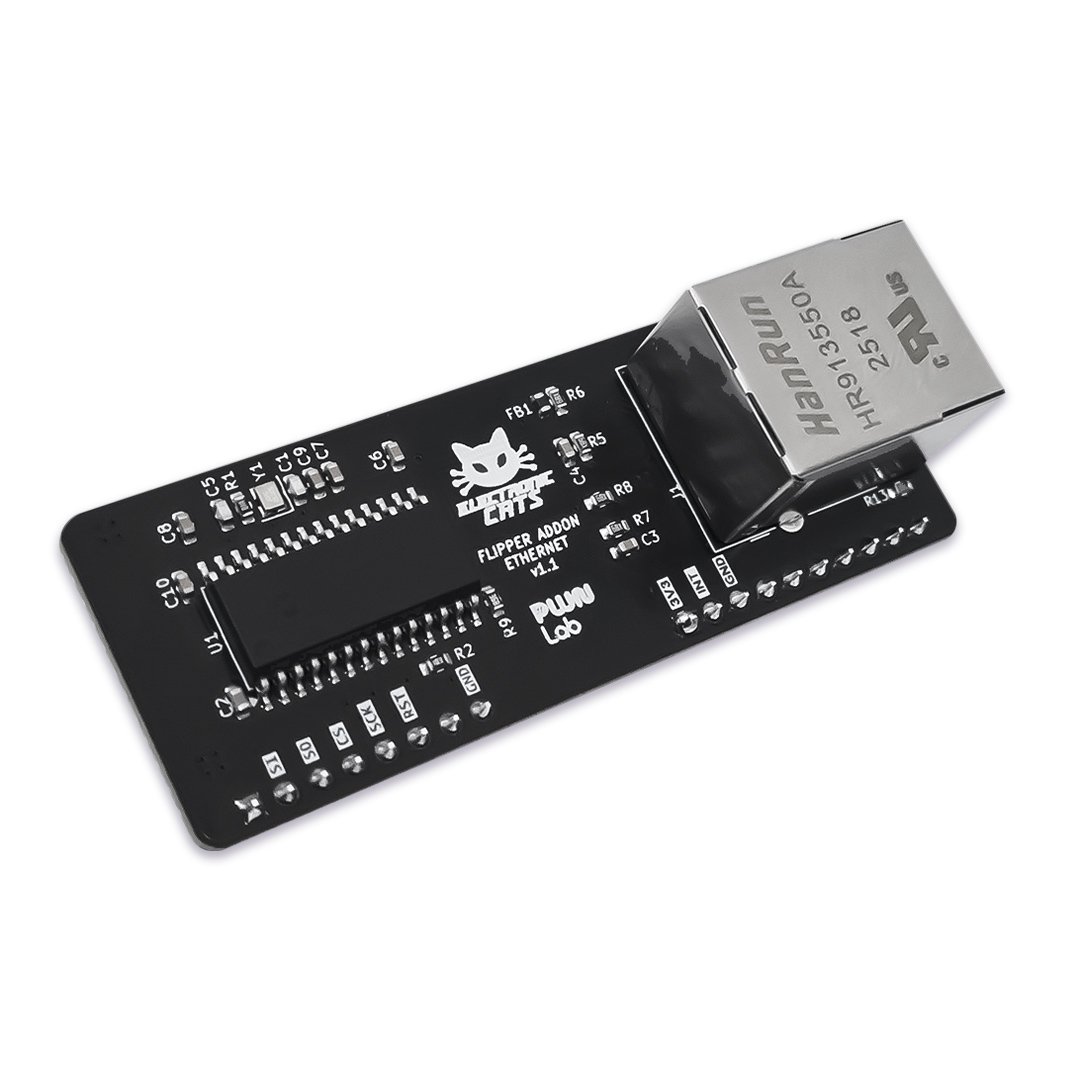
Flipper Add-On Ethernet board (no Ethernet cable)
Not included
Neither the Ethernet (RJ45) cable nor the Flipper Zero itself ship in the box.
You also need
A Flipper Zero (sold separately) and an Ethernet (RJ45) cable connected to an active network — the cable is not included.
- 12 GitHub Stars
- DEF CON · HackGDL · BugCon
- Designed and built in Aguascalientes, Mexico
- Hardware CERN-OHL v1.2 · firmware MIT
Map a wired network before you touch it
On a network you own or have explicit permission to test, run ARP Scanner to see what’s live and Passive Discovery to spot LLDP-enabled switches, routers, access points, and servers without sending a single probe — then dig deeper with the Port Scanner and OS Detector.
Prove a LAN is vulnerable to ARP spoofing
Run the ARP Spoofing tool on a network you own or have explicit permission to test, capture the traffic with the built-in Packet Sniffer, then export it as PCAP and open it in Wireshark for a deeper look.
Audit a wired segment with no WiFi
Where WiFi is unavailable, plug into a LAN port you are authorized to test, use Get IP to take an address over DHCP, check hosts with Ping Host and Scan Ports, then capture the traffic to PCAP and open it in Wireshark back at your desk.
Start in 10 minutes
- Go to the GitHub Releases page of the firmware app repo and download the latest .fap file.
- Connect the Flipper to qFlipper, Flipper Lab, or the Flipper mobile app (with Experimental Options enabled).
- In the File Manager, navigate to the Apps folder.
- Upload the .fap file to the preferred folder inside Apps (any folder works, e.g. Misc).
| Ethernet Controller | Microchip ENC28J60 |
|---|---|
| Ethernet Standard | 10BASE-T |
| Duplex Mode | Half duplex, Full duplex |
| SPI Bus Speed | Up to 20 MHz |
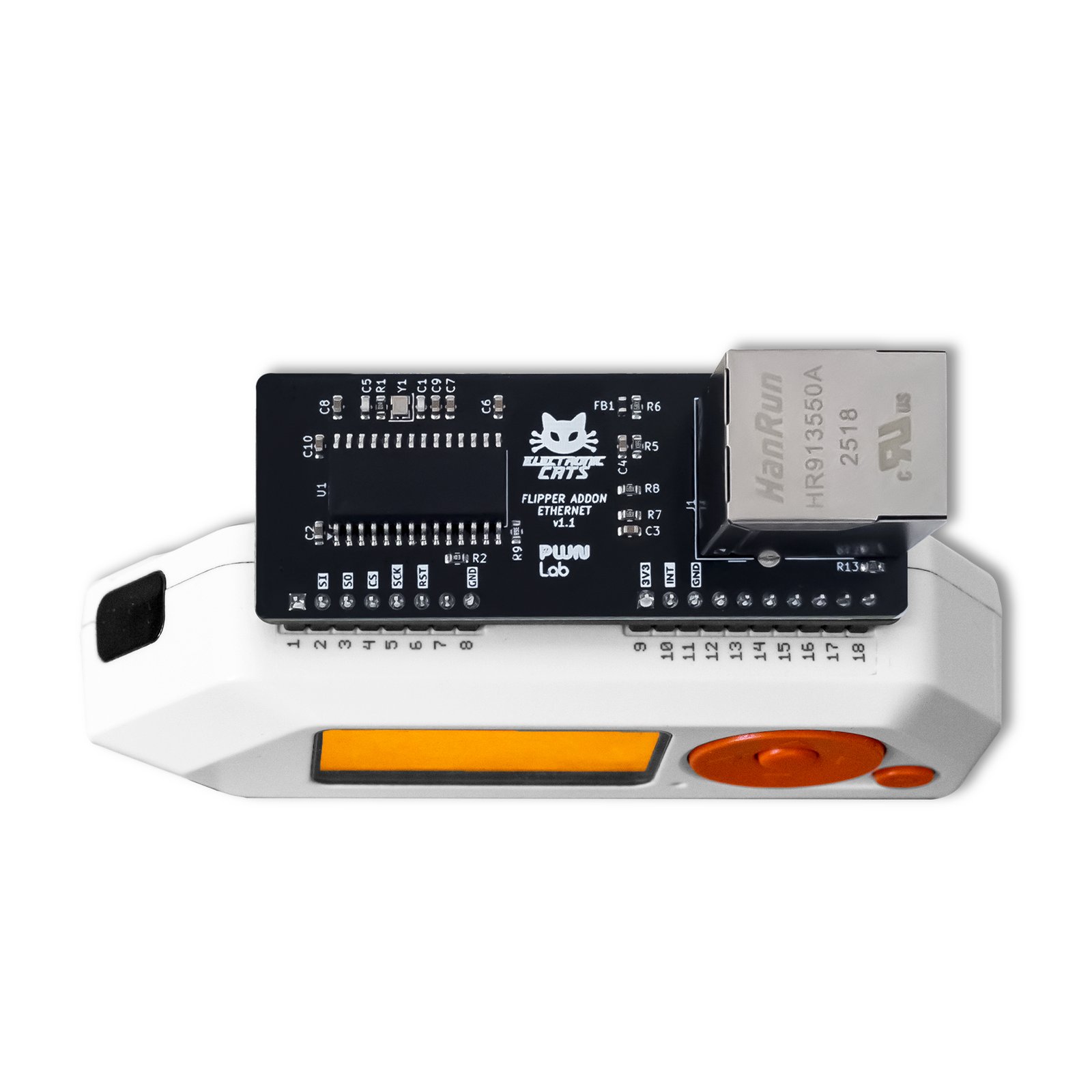
| Connector | Flipper Zero external GPIO port |
| SPI Pin Mapping | MOSI = PA7 (pin 2), MISO = PA6 (pin 3), CS = PA4 (pin 4), SCK = PB3 (pin 5) |
| Interrupt Pin | ENC28J60 /INT on pin 10 (PA14, shared with SWCLK) |
| Cable | Not included — requires a standard RJ45 Ethernet cable connected to an active network |
| Power | Powered from the Flipper Zero's GPIO 3V3/GND pins |
| Onboard MCU | None — driven directly by the Flipper Zero's own STM32WB55 MCU over the SPI bus |
| Packet Buffer | 8 KB on-chip SRAM (3 KB RX ring, 1.5 KB TX ring) |
I need a case for my board.
Not for this board yet: the 3D-printable STL case files in the flipper-addons repo currently cover the Marauder, SubGHz and MagSpoof add-ons only. There is no published case file for the Ethernet add-on.
My question is not here!
Contact the Electronic Cats Support Team through the Contact Us page at electroniccats.com/contact/.
You may also like…
Security
Security