


Flipper Industrial Pack
Three Electronic Cats add-ons in one pack: industrial Modbus RTU, wired Ethernet and vehicle CAN bus, all driven from your Flipper Zero.
$80.00 Original price was: $80.00.$72.00Current price is: $72.00.
In stock
- Flipper Zero — each board plugs into its GPIO port
- Official Flipper firmware — no custom firmware needed
- SavvyCAN and Wireshark, for the captures you take to a PC
- RAMN CAN testbed, to practise without a real vehicle
In the box
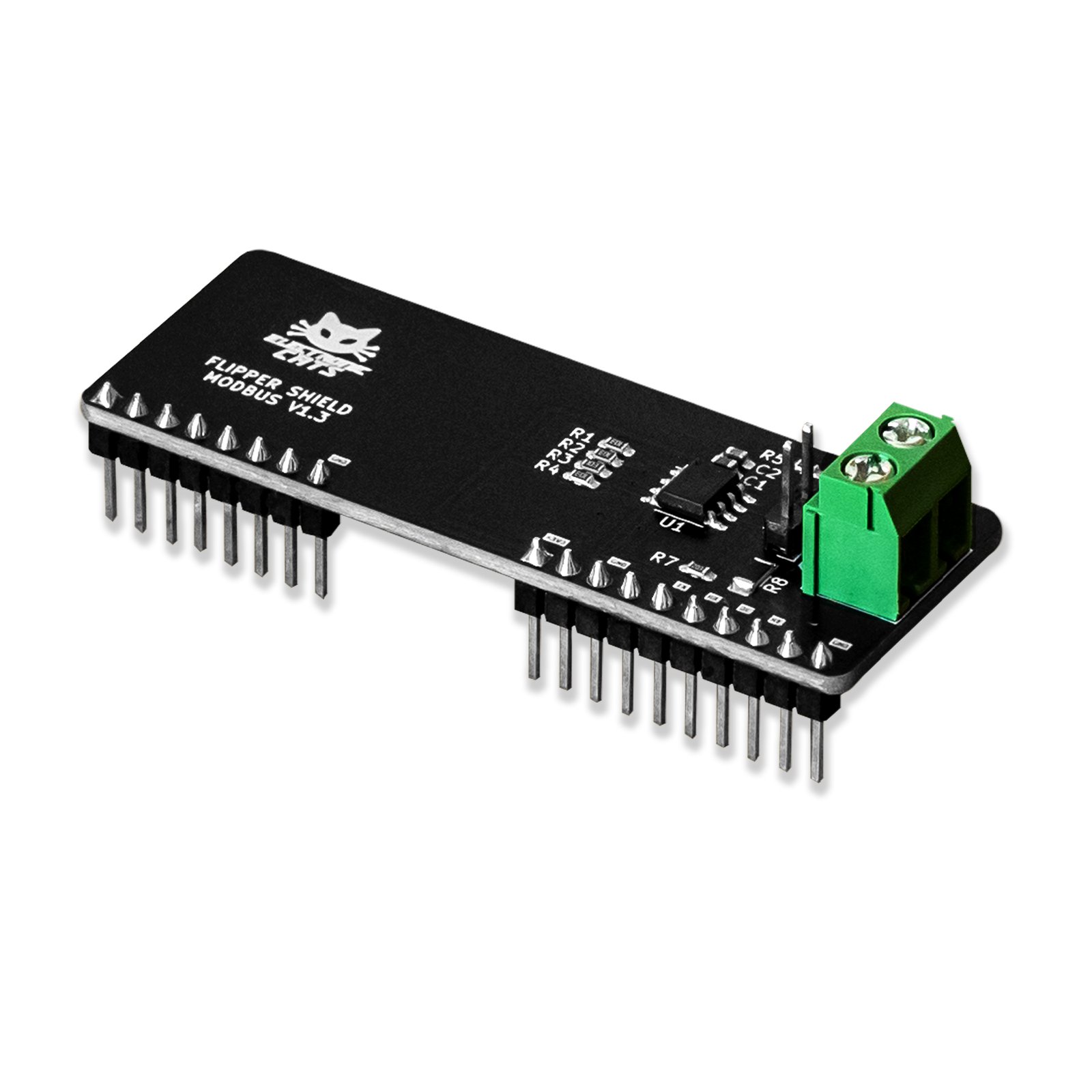
Flipper Add-On: Ethernet board
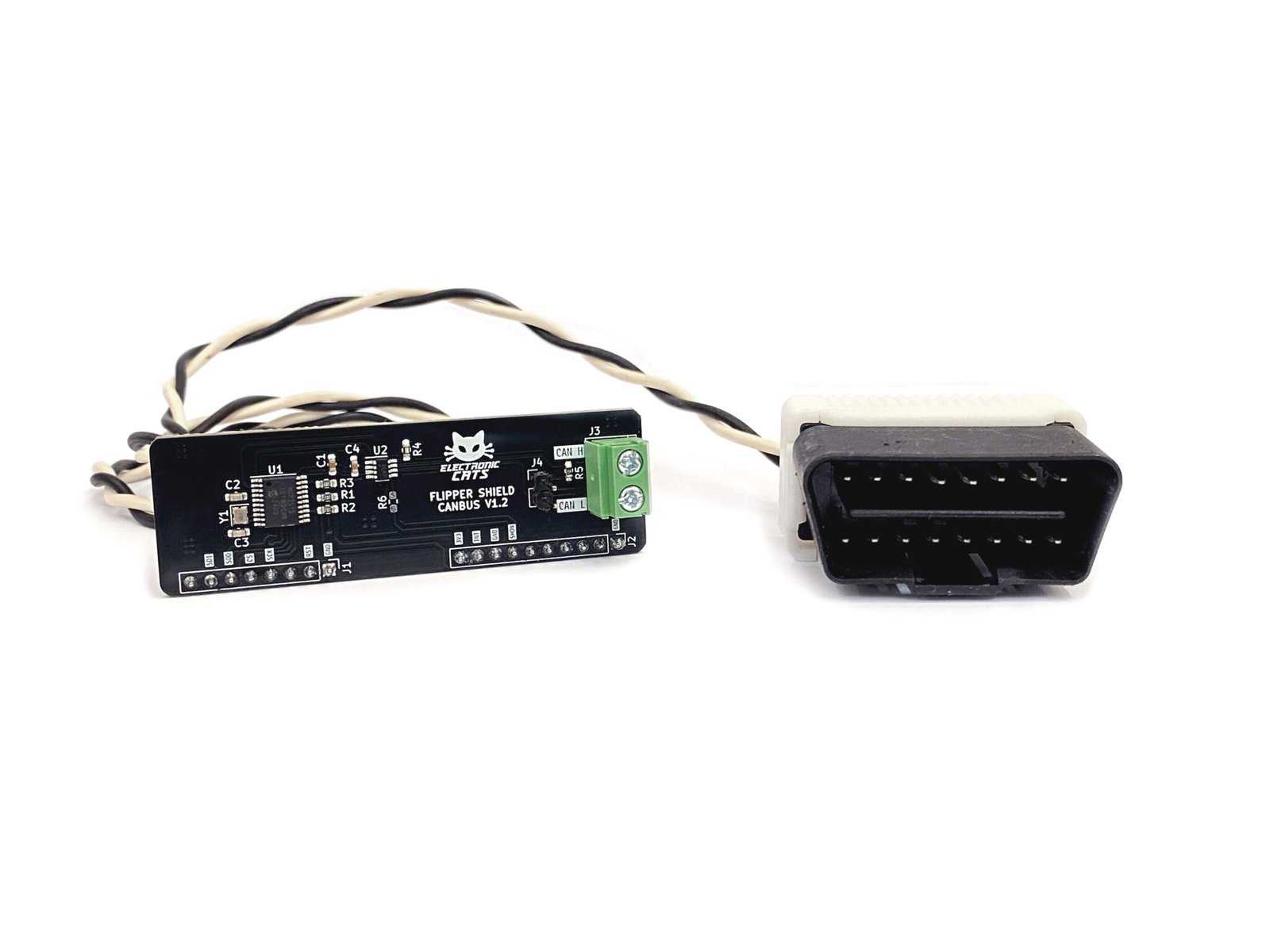
Flipper Add-On: CANBus board with its OBD2 cable
Not included
An Ethernet (RJ45) cable
RS-485 wiring for the Modbus board — it ships as a board only
You also need
An Ethernet (RJ45) cable for the Ethernet board
The free companion app (.fap) for each board, from its GitHub Releases page
- 130 GitHub Stars
- DEF CON · HackGDL · BugCon
- Designed and built in Aguascalientes, Mexico
- Hardware CERN-OHL v1.2 · Flipper apps MIT
What is the Flipper Industrial Pack?
The Flipper Industrial Pack is a set of three Electronic Cats add-on boards for the Flipper Zero — Modbus, Ethernet and CANBus — sold together for industrial, wired and vehicle work. Each board plugs into the Flipper’s GPIO port and adds a capability the device does not have on its own: Modbus RTU over RS-485 for industrial networks, wired 10BASE-T Ethernet for network discovery and packet capture, and CAN bus with OBD2 and UDS for vehicles. All three run on the official Flipper Zero firmware, so nothing custom has to be installed on the device itself. Each board keeps its own free companion app and its own open documentation, so you can start with one protocol and move to the next without buying again.
Read an industrial bus without hauling a laptop
Map a wired network from the socket
Run a workshop where every station is a protocol
Start in 10 minutes
- Update your Flipper Zero to the latest official firmware with qFlipper or the official mobile app — no custom firmware is needed for these three boards.
- Download the latest .fap app for each board from its releases page: Modbus, Ethernet and CANBus.
- Connect the Flipper over USB and upload each .fap into the Apps folder with qFlipper, Flipper Lab or the mobile app with Experimental Options enabled.
- Attach the board you want to use to the Flipper’s GPIO port and open its app from Apps on the device.
- For CAN work, connect the OBD2 cable, or wire CAN-H (white) and CAN-L (black) directly to the bus you are authorized to test.
| Boards included | Modbus, Ethernet, CANBus |
|---|---|
| Host device | Flipper Zero (not included) |
| Connection | Flipper Zero GPIO port |
| Industrial bus | Modbus RTU over RS-485 |
| Network controller | ENC28J60 (10BASE-T Ethernet) |
| CAN controller | MCP2515 (CAN 2.0B) |
| Vehicle protocols | OBD2, UDS |
| Power | From the Flipper Zero GPIO 3V3 pins |
| Flipper firmware | Official (latest version) |
| Companion apps | One .fap per board, installed from GitHub Releases |
| Hardware license | CERN Open Hardware Licence |