


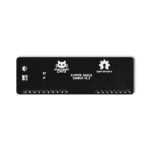
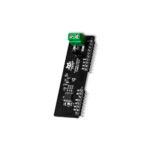
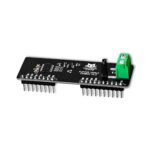
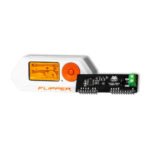
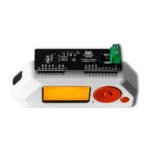
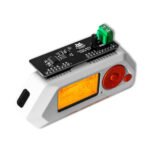
Flipper Add-On: CANBus
Sniff, inject, and analyze CAN bus traffic from your Flipper Zero — plus OBD2 scanning and UDS diagnostics on vehicles you're authorized to test.
$49.00
Out of stock
Email when stock available
- Flipper Zero
- Official Flipper Zero firmware, no custom build needed
- SavvyCAN on Windows or Linux, over USB (SLCAN)
- CAN 2.0B networks via OBD2 port or CAN-H/CAN-L wires
In the box
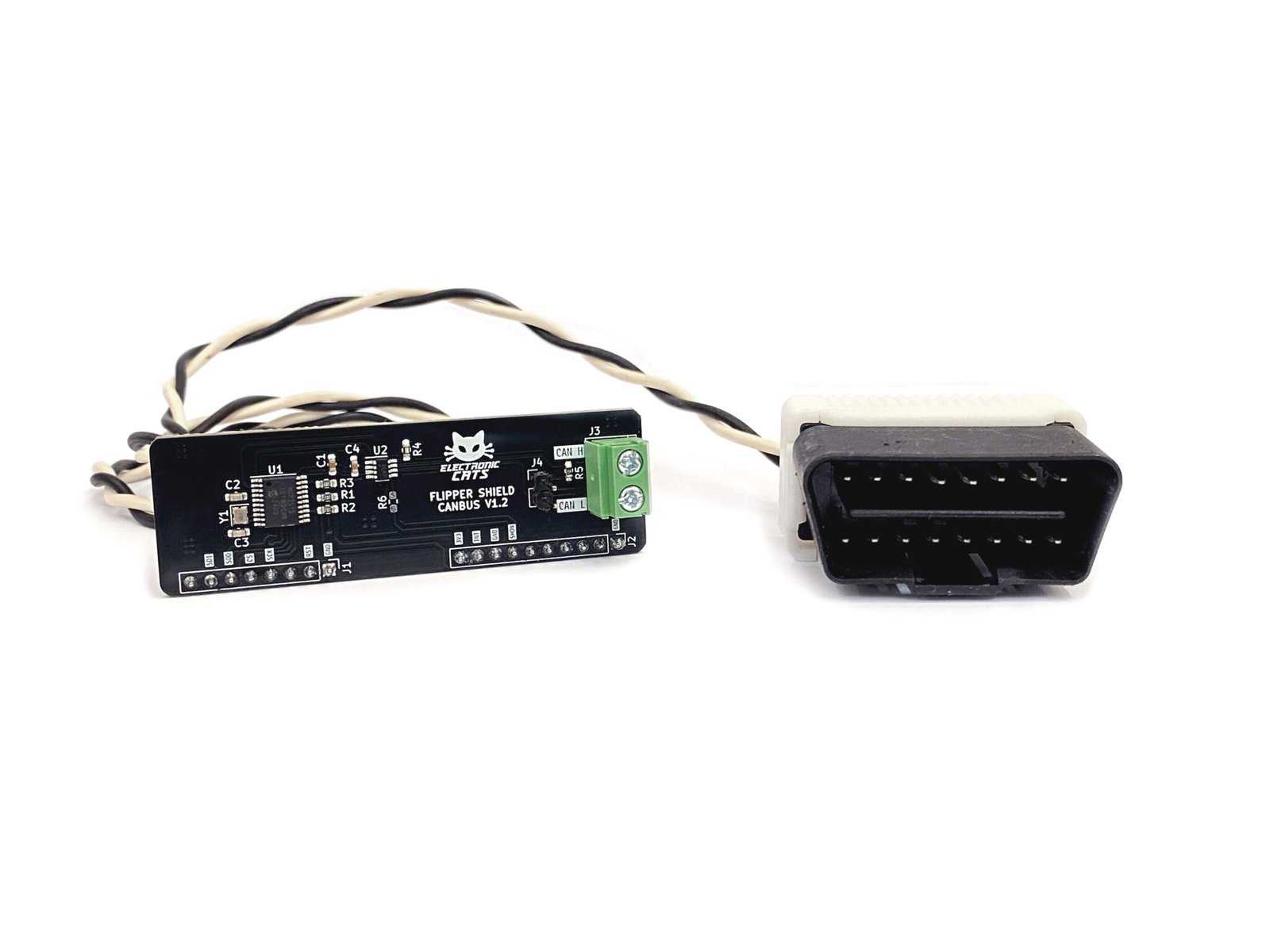
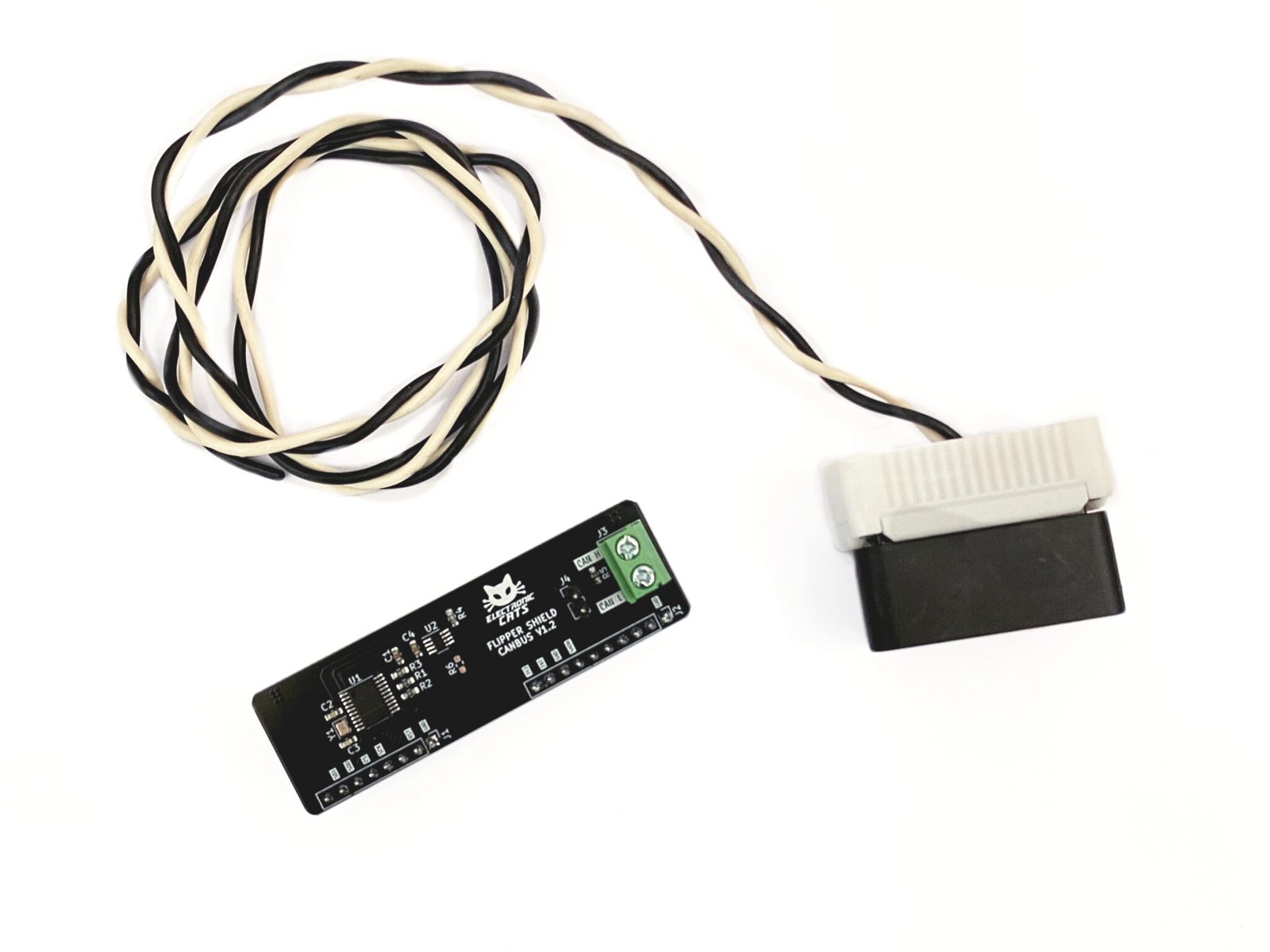
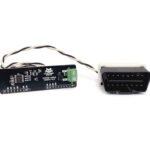
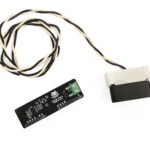
Cable with OBD2 connector
Not included
You also need
The Flipper MCP2515 CANBUS app, installed from the wiki’s First steps page
A Windows or Linux PC, if you want to analyze signals in SavvyCAN
Your own vehicle or one you are authorized to test — or a RAMN bench testbed
- 189 GitHub Stars
- DEF CON · HackGDL · BugCon
- Designed and built in Aguascalientes, Mexico
- Hardware CERN-OHL v1.2 · firmware MIT
What is the Flipper Add-On CANBus?
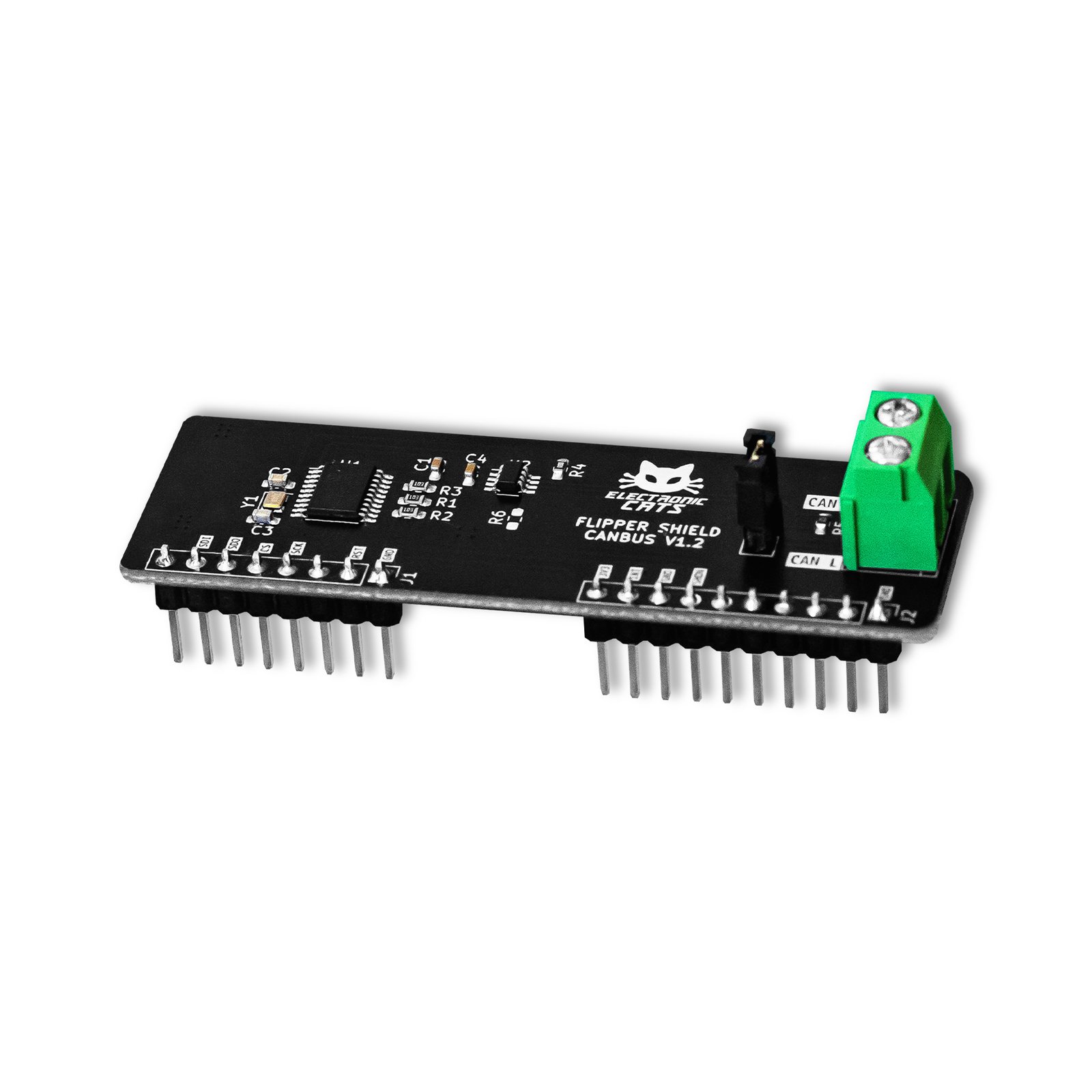
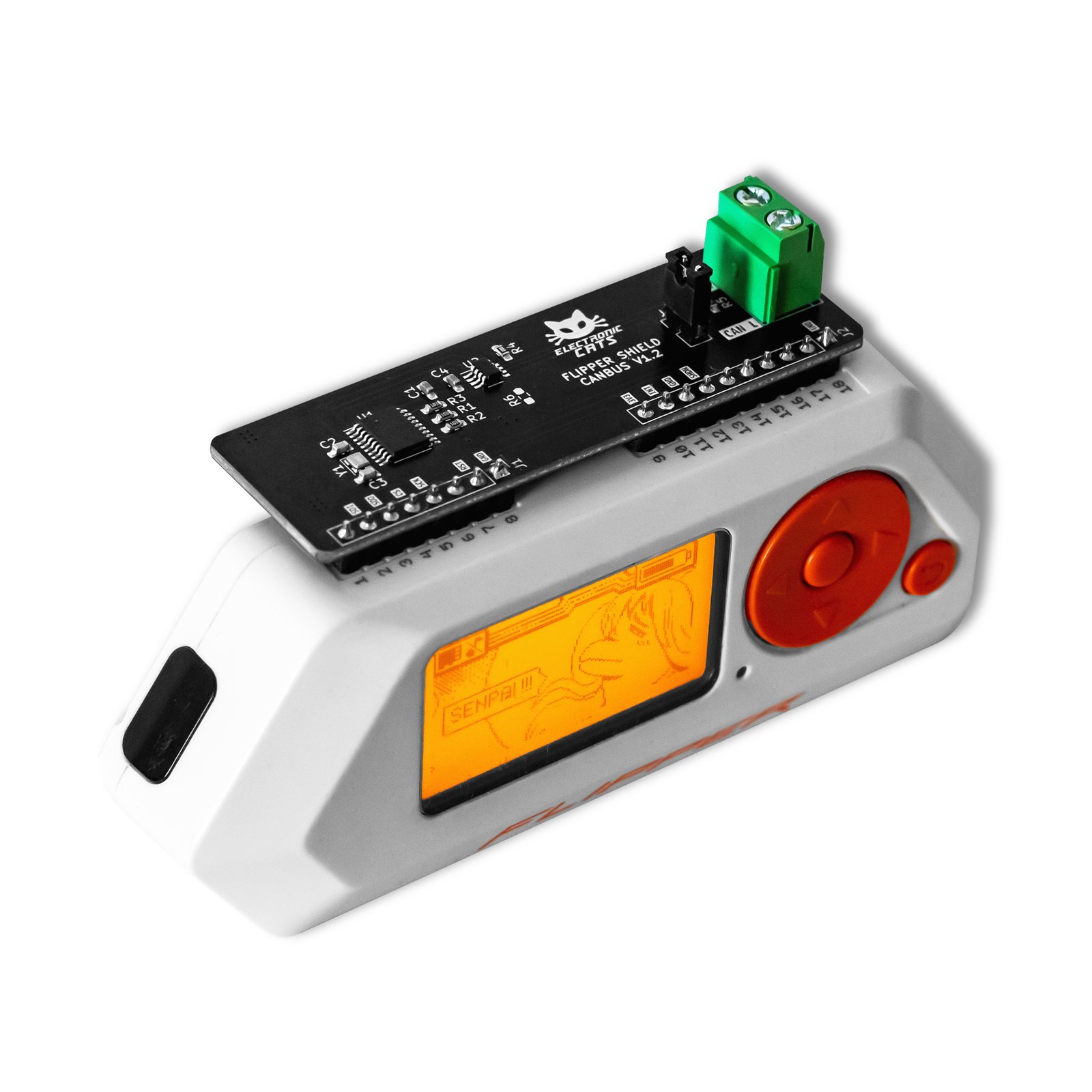
The Flipper Add-On CANBus is an add-on board built around an MCP2515 CAN controller, paired with a companion Flipper Zero app called Flipper MCP2515 CANBUS. Together they let you interact with CAN bus networks: sniffing and displaying the data being transmitted, and injecting packets, for CAN network analysis, error detection and peripheral control. The Flipper MCP2515 CANBUS app also adds an OBD2 scanner with basic PID codes and UDS services: read the VIN, reset an ECU, read or delete diagnostic trouble codes (DTC), or send a manual UDS service. For deeper analysis it bridges over USB to SavvyCAN, a CAN frame analysis tool for Windows and Linux, using the SLCAN protocol. Electronic Cats frames all of this as authorized research on a vehicle you own or are authorized to test — showing how accessible data and commands are over this unencrypted network, not bypassing security features.
Read live diagnostics from your own car's OBD2 port
Decode CAN signals on your PC with SavvyCAN
Practice sniffing and injection on a bench testbed, not a car
Start in 10 minutes
- Update your Flipper Zero to the latest official firmware with qFlipper (connect over USB, Install from file, then Install) or the official mobile app. Custom firmware such as Unleashed also works if it uses the same API version the app was compiled with, but it is no longer required.
- Install the Flipper MCP2515 CANBUS app following the First steps page of the wiki.
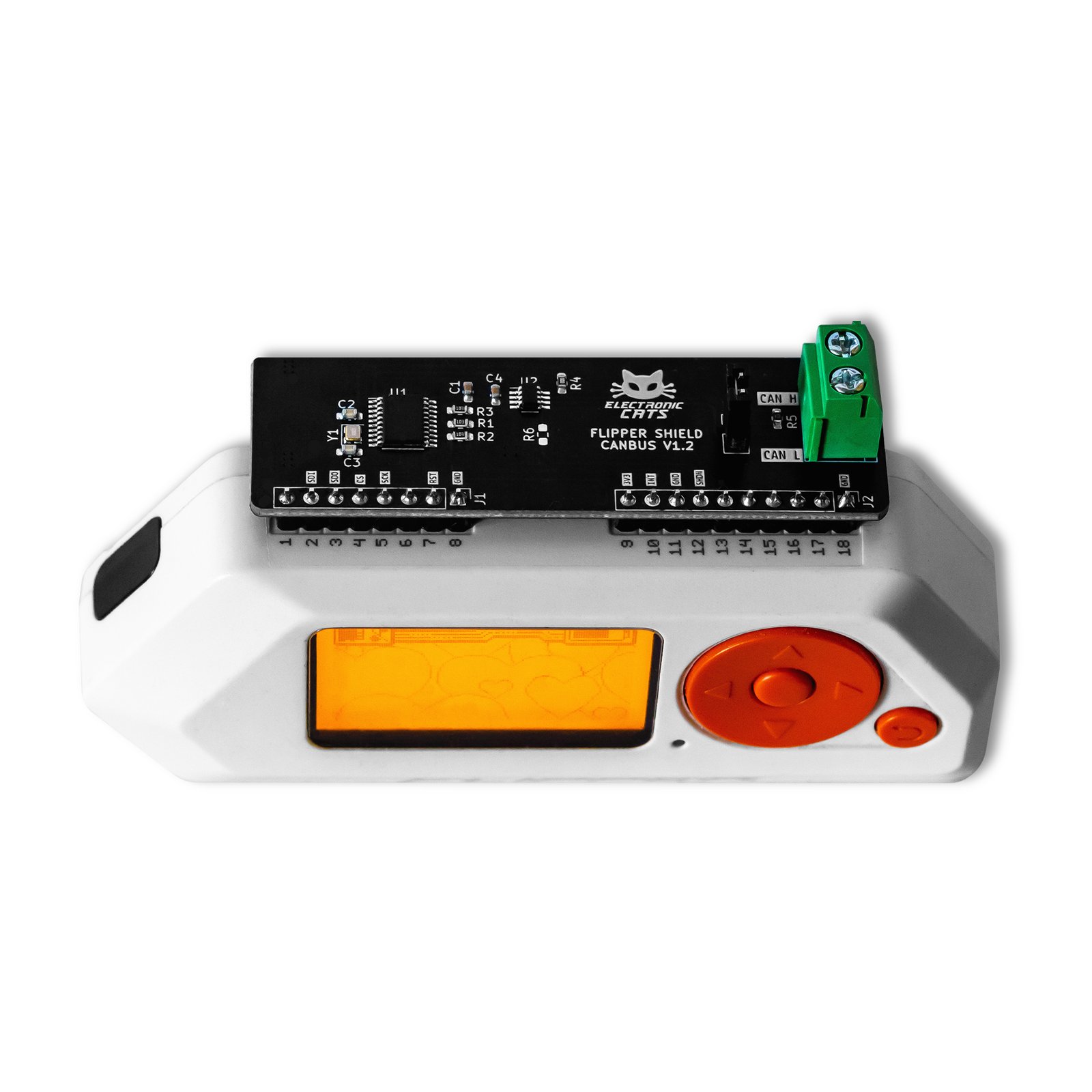
- Attach the add-on to your Flipper Zero and connect it to the CAN network: a vehicle’s OBD2 port, or direct CAN-High (white wire) and CAN-Low (black wire) wiring. Going straight into a live ECU network instead of the OBD2 port can damage the vehicle — do it carefully, and only on hardware you own or are authorized to test.
- Open the app and pick a function: sniffing with CAN masks and filters, the Sender (once after a delay, or periodically), the Replayer for log playback, the OBD2 scanner, or UDS. Logs export to CSV.
- Optional — connect the Flipper Zero to a Windows or Linux PC over USB and open SavvyCAN (Electronic Cats fork) to decode the frames with DBC files.
| CAN controller | MCP2515 (Microchip), stand-alone CAN 2.0B controller |
|---|---|
| CAN protocol | CAN 2.0B — standard and extended data and remote frames |
| Host interface | SPI, up to 10 MHz |
| Supply voltage | 2.7 V – 5.5 V |
| Active current | ~5 mA typical |
| CAN wiring | CAN-High = white wire · CAN-Low = black wire |
| Firmware license | GNU AGPL v3.0 |
| Hardware license | CERN Open Hardware Licence v1.2 |
Is my car compatible with the app and hardware?
I need a case for my board.
My question is not here!
You may also like…