Paw Detector – Malicious USB cables detector
A pocket-sized, plug-and-play adapter: the LED lights up steady if your USB cable hides a keylogger or is quietly moving your data.
$39.00
In stock
- Any USB cable you want to check before you trust it
- Computers and USB chargers with a powered USB port
- No app, driver or software to install
- Public and unfamiliar USB charging ports
In the box
Not included
You also need
- Presented at DEF CON 34.
- Designed and built in Aguascalientes, Mexico
What Is Paw Detector?
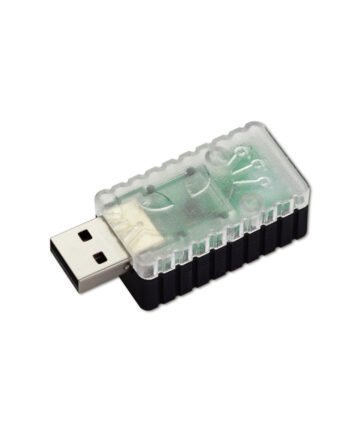
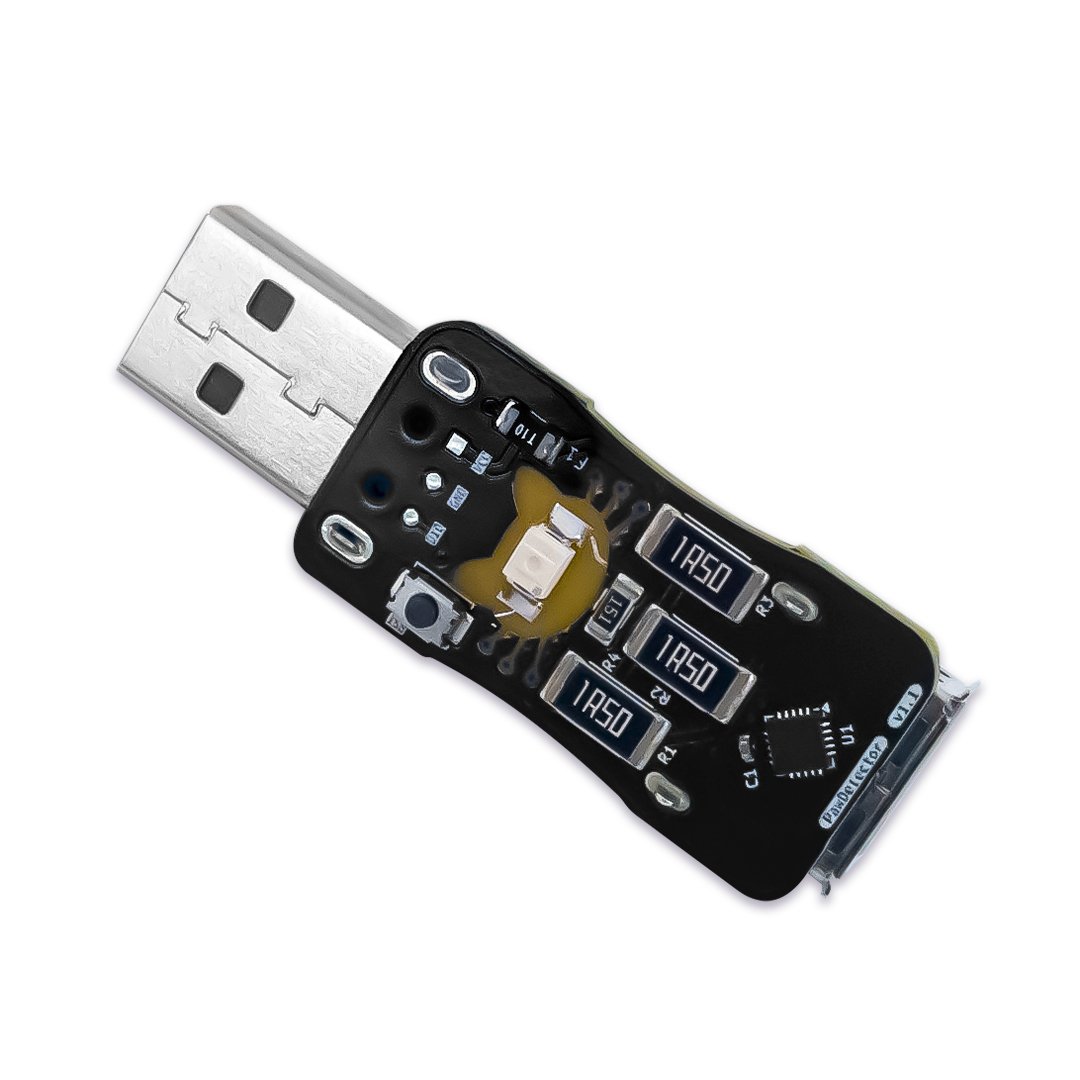
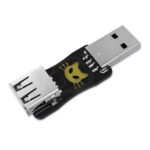
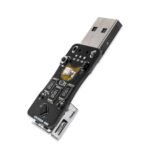
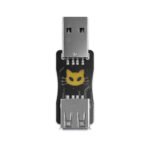
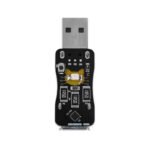
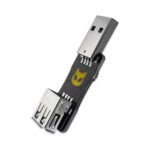
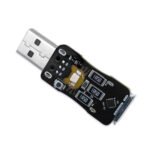
Paw Detector is a pocket-sized, plug-and-play adapter that checks any USB cable for hidden keyloggers and malicious data transfers before you plug it into your phone, laptop, or charger. A keylogger is a tiny hidden device that secretly records what you type; a malicious cable looks just like a normal charging cable but hides that same kind of circuitry inside the connector, ready to move your data the moment you plug it in. Paw Detector sits in between: connect the cable you want to test to its port connector, then plug Paw Detector itself into your computer’s or charger’s USB port. Its onboard LED lights up steady if the cable is malicious, so you know before any harm is done. There’s nothing to install or configure — just plug it in and check the light. It’s small enough to carry on a keychain or in a bag.
Test a cable before you trust it
Charge without sharing your data
Check a cable before it touches your laptop
Start in 10 minutes
- Plug the USB cable you want to test into Paw Detector’s port connector, and leave the cable’s other end unplugged.
- Plug Paw Detector’s other end into your computer’s or charger’s USB port.
- Check the LED: if it lights up, the cable is malicious — unplug it. If it stays off, the cable is safe to use.
- Still not sure? Watch the video walkthrough for a live example.
- Github
- Wiki
- Firmware
- Support
| Microcontroller | CH32V003F4U6 |
|---|---|
| Board dimensions | 35 x 18 mm |
| Connectors | USB plug connector (host side, male), USB port connector (test-cable side, female) |
| Detection LED | Lights up steady (no blinking) when the connected cable is malicious |
| Form factor | Pocket-sized, keychain-portable |
| Detection method | Onboard analog (ADC) signal analysis on the microcontroller's port A pins |