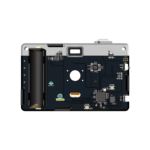
Camera Badge HackGDL 2026
Open-hardware Hack GDL 2026 badge: an RV1106 Linux computer with a 3MP camera, NeoPixel LEDs, and GPIO/UART/SPI/I2C ports ready to hack.
$56.00 – $70.00Price range: $56.00 through $70.00
- Luckfox Pico Pro Max hardware and SDK (Electronic Cats' fork, branch badge_hackgdl_2026).
In the box
Camera Badge HackGDL 2026 board only
Not included
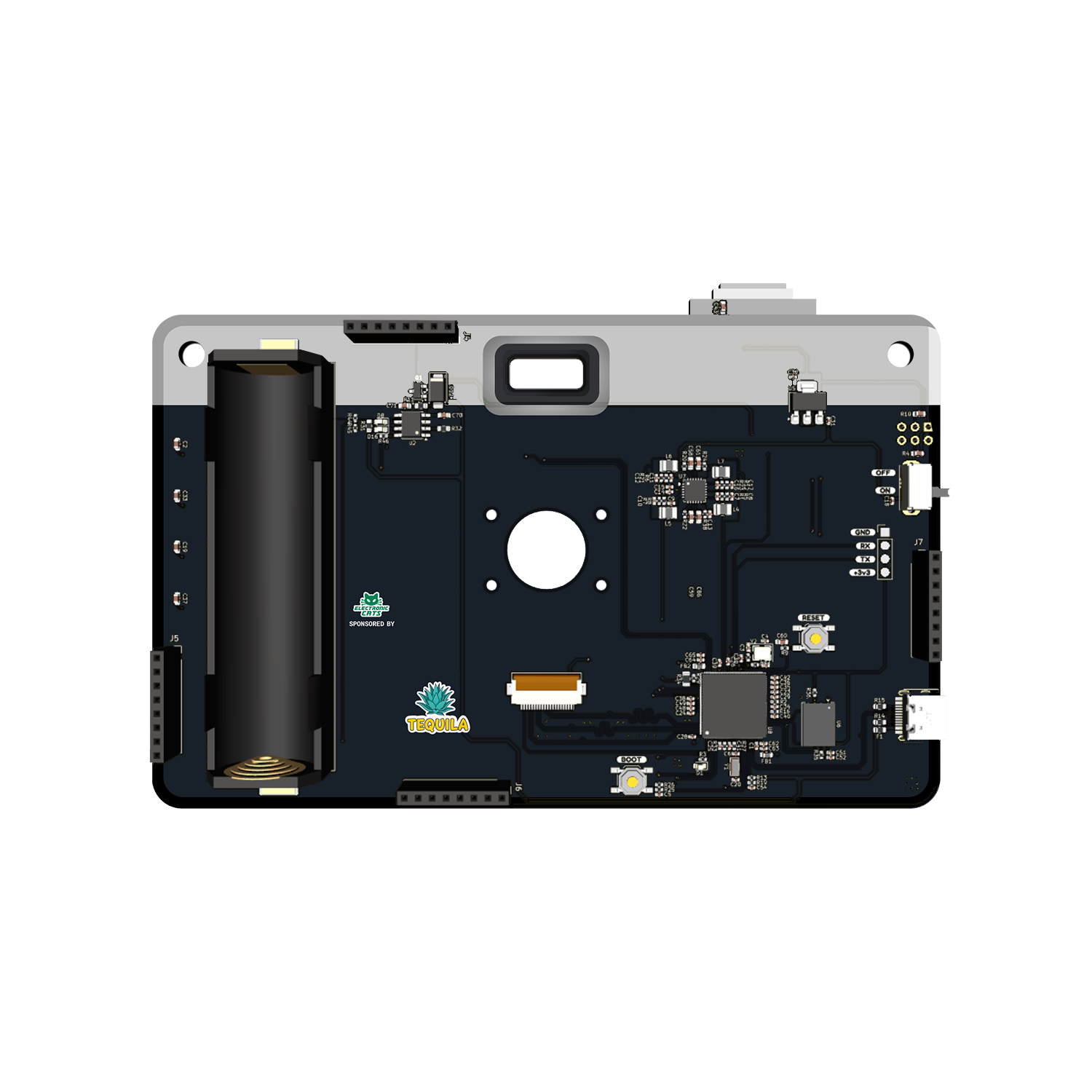
No 18650 battery ships in the box — the board is designed to support one, but none is included.
You also need
An 18650 rechargeable battery — the board has power management built in to support one, but you provide the cell.
- Official badge of Hack GDL 2026.
- Designed and built in Aguascalientes, Mexico
- Hardware CERN-OHL v1.2 · firmware GPL-3.0
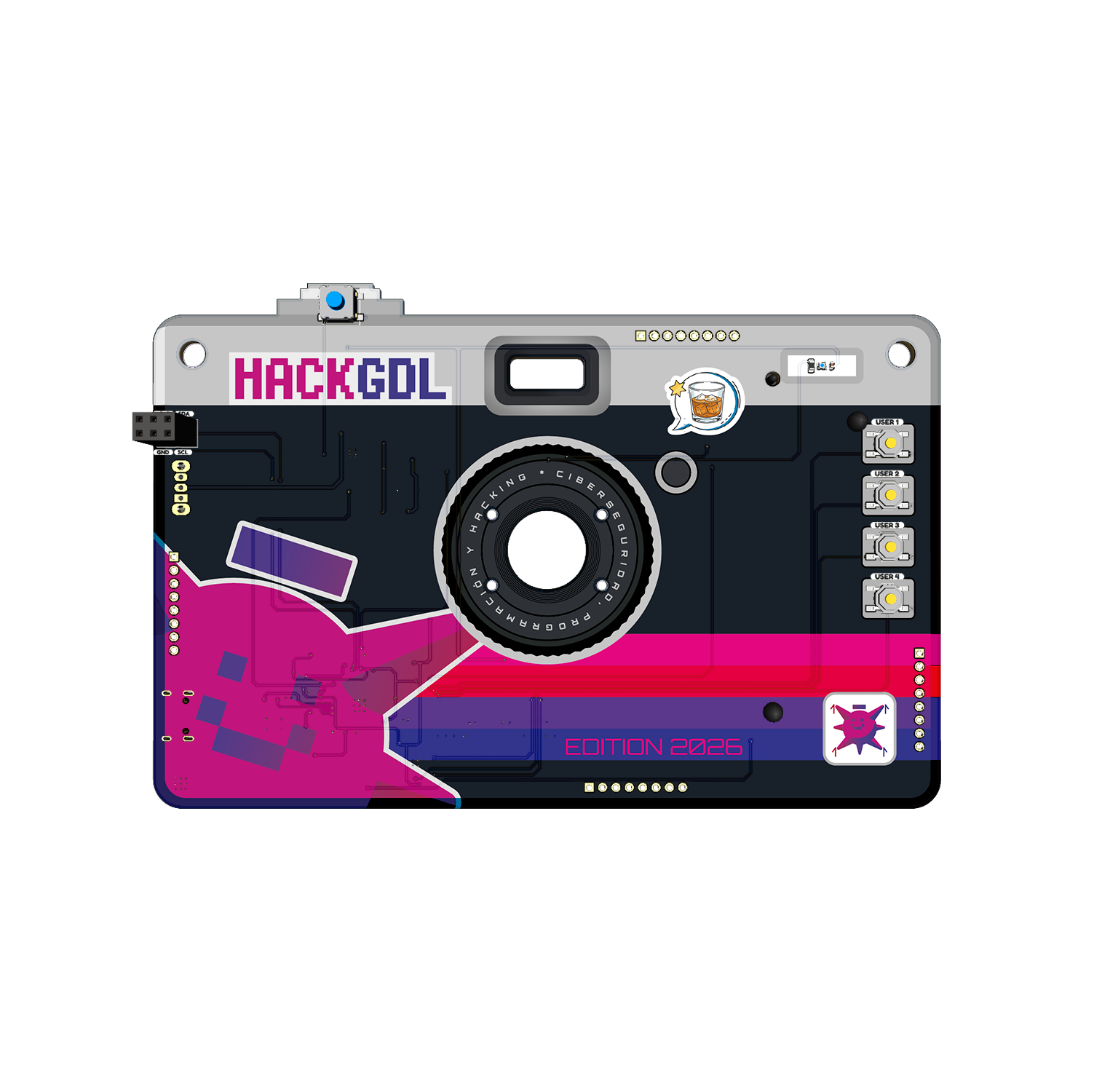
Take Photos and Light Up Your Badge
Press the USER buttons to trigger NeoPixel light animations, or press the capture button to take a photo — auto-saved with a customizable on-screen-display overlay (your own text or logos). The badge doubles as a hands-on introduction to the RV1106’s embedded-Linux camera pipeline (rkipc, MTP file transfer, OSD configuration).
Start in 10 minutes
- Power the badge: connect a compatible battery, or connect it via USB to a power source able to supply it.
- Turn it on with its physical ON/OFF switch. A green NeoPixel double-blink confirms it booted correctly.
- With the badge on, press the top capture button to take a photo; a white NeoPixel double-blink confirms the capture, and the photo saves automatically to internal storage.
- Connect the badge to a computer with a data-capable USB cable to pull photos off over MTP (Media Transfer Protocol) — it appears as a ‘Hack GDL 2026’ media device.
- For firmware updates or to build your own image, see the releases page and the repo README.
| Processor | RV1106G3 (ARM Cortex-A7 + RISC-V MCU, NPU, ISP) |
|---|---|
| Operating system | Linux (Buildroot) |
| Camera | SC3336, 3MP |
| LEDs | WS2812E NeoPixel, SPI-driven |
| Buttons | 5 (GPIO keyboard): 1 capture, 2 NeoPixel mode, 2 free for the user |
| Battery | 18650 supported (cell not confirmed included) |
| Interfaces | GPIO, UART, SPI, I2C, USB (hub), MIPI CSI |
| Debug serial | UART2, 3.3V TTL, 115200 baud |
| SDK | Luckfox Pico SDK (Electronic Cats fork) |
How do I power on the badge and take a photo?
Connect a compatible battery or a USB power source, then flip the physical ON/OFF switch (a green NeoPixel blink confirms boot). Press the top capture button to take a photo; a white NeoPixel blink confirms it saved to internal storage.
How do I get my photos off the badge?
Connect it to a computer with a data-capable USB cable. It shows up as a ‘Hack GDL 2026’ media device over MTP (natively supported on Windows and Linux), where you’ll find your photos plus a photo_config.ini file that controls the on-screen-display overlay.
Do I need to build my own firmware?
Not to use the badge as shipped. To customize it, firmware/OS images are built from source with a fork of the Luckfox Pico SDK (branch badge_hackgdl_2026) — there’s no simple pre-built ‘download and flash’ workflow documented, so treat firmware changes as an advanced, DIY project.
You may also like…
Security