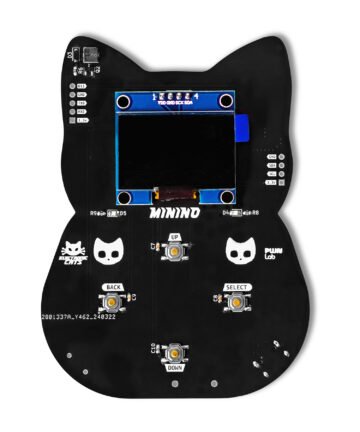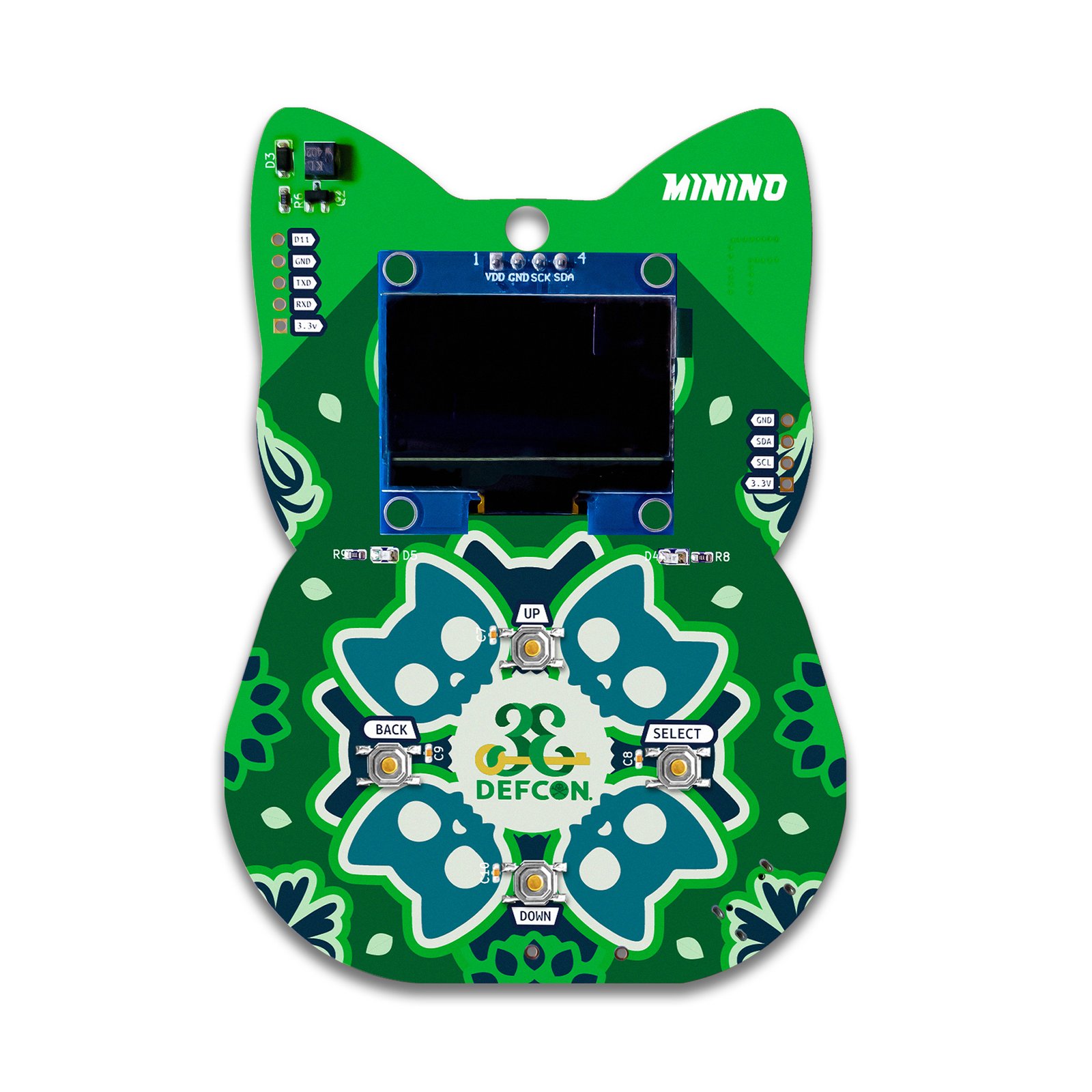
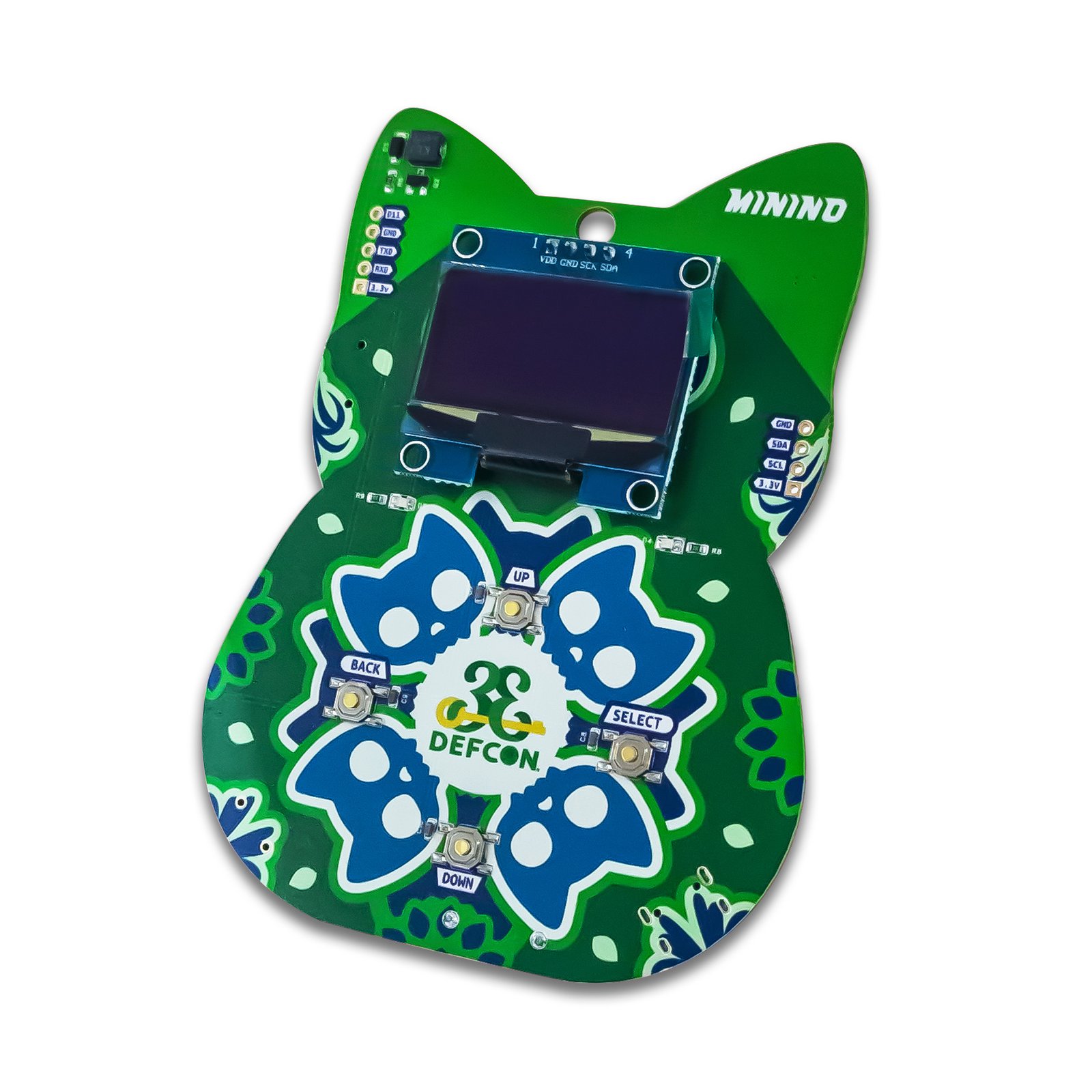
Minino – DEFCON 33
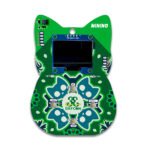
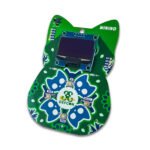
The DEF CON 33 special edition of Minino: the same multiprotocol WiFi/BLE/Zigbee/Thread security testing board, with onboard GPS, in a never-restocked collectible run.
$70.00
Out of stock
Email when stock available
- Wireshark
- PyCatSniffer / CatSniffer-Tools
- Wigle.net
- Wi-Fi Spectrum Suite
In the box
Not included
You also need
- 178 GitHub Stars
- Released at DEF CON 33
- Designed and built in Aguascalientes, Mexico
- Hardware CERN-OHL v1.2 · firmware GPL-3.0
What is Minino?
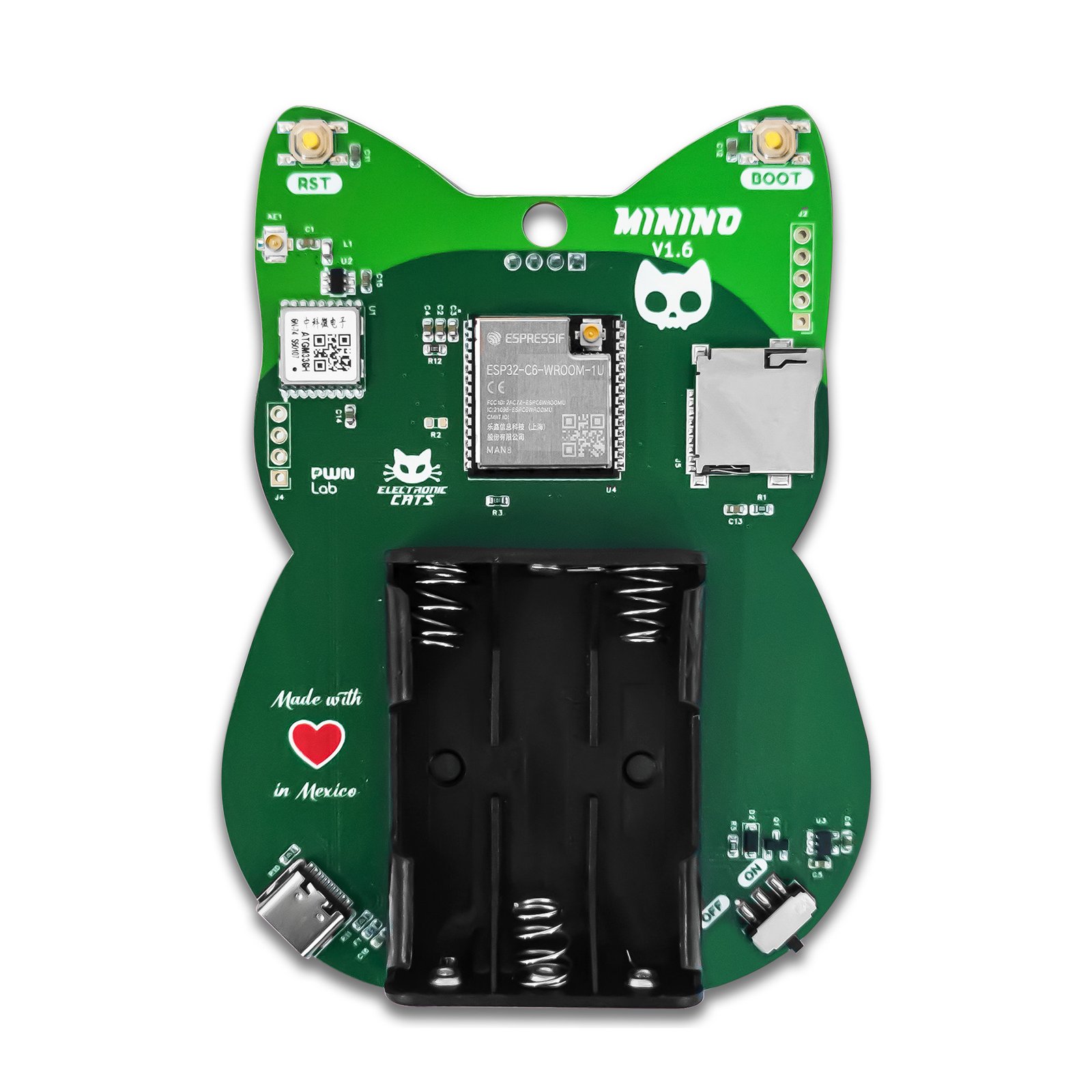
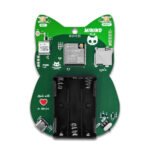
Minino is a standalone, portable multiprotocol wireless security testing board shaped like a cat, built for authorized sniffing, analysis, and testing of IoT devices across WiFi, Bluetooth Low Energy, Zigbee, and Thread. It ships with Electronic Cats’ preloaded firmware, so every feature documented in the wiki is available from the on-device OLED menu with no flashing required. Hardware includes an ESP32-C6 module, a GPS receiver for wardriving and location logging, a microSD card slot for storing captures up to 2 TB, and physical navigation buttons — no host computer or companion app needed in the field. Minino is intended solely for authorized security research on networks and devices you have permission to test.
Map Open and Insecure WiFi Networks While Wardriving
Detect DroneID and Remote ID Signals From Nearby Drones
Run a Wireless Security Lab on a Network You Own
Start in 10 minutes
- Power on Minino using 3x AAA batteries or a USB cable and flip the switch to ON; press the RST button if the display stays blank.
- Navigate the on-device menu with the SELECT (right) and BACK (left) buttons, or open a serial console at 115200 baud (PuTTY on Windows, Minicom on macOS/Linux) for full command-line access — see the Minino wiki for the complete menu and console reference.
- In Settings > System, set the WiFi Region to match local regulations before running WiFi apps, and set the time zone and enable GPS before running location-based apps (wardriving, DroneID).
- Insert and, if needed, format a microSD card via Settings > System > SD Card before running apps that log data.
- Launch an app from the Applications menu (WiFi, Bluetooth, Zigbee, Thread, GPS, GPIO, or File Manager) — check the latest firmware release (v1.1.15.0) for new apps and fixes before you start.
| Dimensions | 18 × 12 × 4 cm |
|---|---|
| MCU | ESP32-C6 (ESP32-C6-WROOM-1 module), up to 160 MHz |
| Flash | 8 MB |
| Radio | WiFi 6 (802.11ax) 2.4 GHz, backward compatible with 802.11b/g/n (2.4 GHz only), Bluetooth Low Energy (BLE), IEEE 802.15.4 (Zigbee, Thread) |
| GPS module | ATGM336H(-6N-74) Zhongkewei GNSS |
| Display | OLED screen with physical navigation buttons |
| Storage | microSD card slot, up to 2 TB |
| Connectivity | USB-C (power/data) |
| Exposed I/O | 1 digital I/O pin (D11), I2C and UART pins |
| Dimensions | 82.5 x 110 mm |
| Power | 3.3V I/O, 3x AAA batteries (holder included, not rechargeable) or USB |
| Firmware license | GNU AGPL v3.0 |
| Hardware license | CERN Open Hardware Licence v1.2 |
| Feature | Minino | Flipper Add-On: Marauder |
|---|---|---|
| What it is | Standalone multiprotocol wireless security testing board with its own OLED screen and buttons; no other device needed | Add-on board for the Flipper Zero; a Flipper Zero is required |
| Microcontroller | ESP32-C6, up to 160 MHz | ESP32-S3, up to 240 MHz |
| WiFi | 2.4 GHz WiFi 6 (802.11ax), backward compatible with 802.11b/g/n; no 5 GHz | 2.4 GHz 802.11b/g/n with 40 MHz bandwidth |
| Bluetooth | Bluetooth Low Energy | BLE 5 with Coded PHY (long range) and 2 Mbps PHY |
| Zigbee / Thread (IEEE 802.15.4) | Yes, integrated radio | Not part of the ESP32-S3 radio set (WiFi and Bluetooth only) |
| GPS | Onboard ATGM336H GNSS module for wardriving and location logging | No GPS listed |
| Storage | microSD slot (cards up to 2 TB) for .pcap captures and wardriving logs | Not listed |
| Firmware | Electronic Cats’ own firmware, preloaded and updated on GitHub | ESP32 Marauder firmware (upstream open-source project), factory-loaded |
| Editions | Minino, plus DEF CON 33 and DEF CON 34 special editions | Marauder, or Marauder + MagSpoof (adds magnetic-stripe emulation) |