
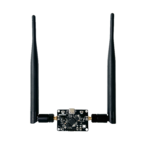
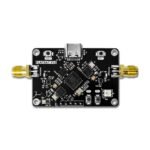
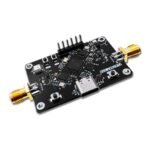
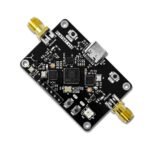
FlatSat 1
A satellite testbed for learning space cybersecurity: a 3-level CTF on your own board, safe by design, solo or in a workshop.
$100.00
Out of stock
Email when stock available
- CatSniffer, our LoRa sniffer (single-radio overlay)
- RTL-SDR dongle + SDR++ for passive RF verification
- Preloaded vulnerable firmware that mimics spacecraft
- Ground Station on Linux, macOS and Windows
In the box
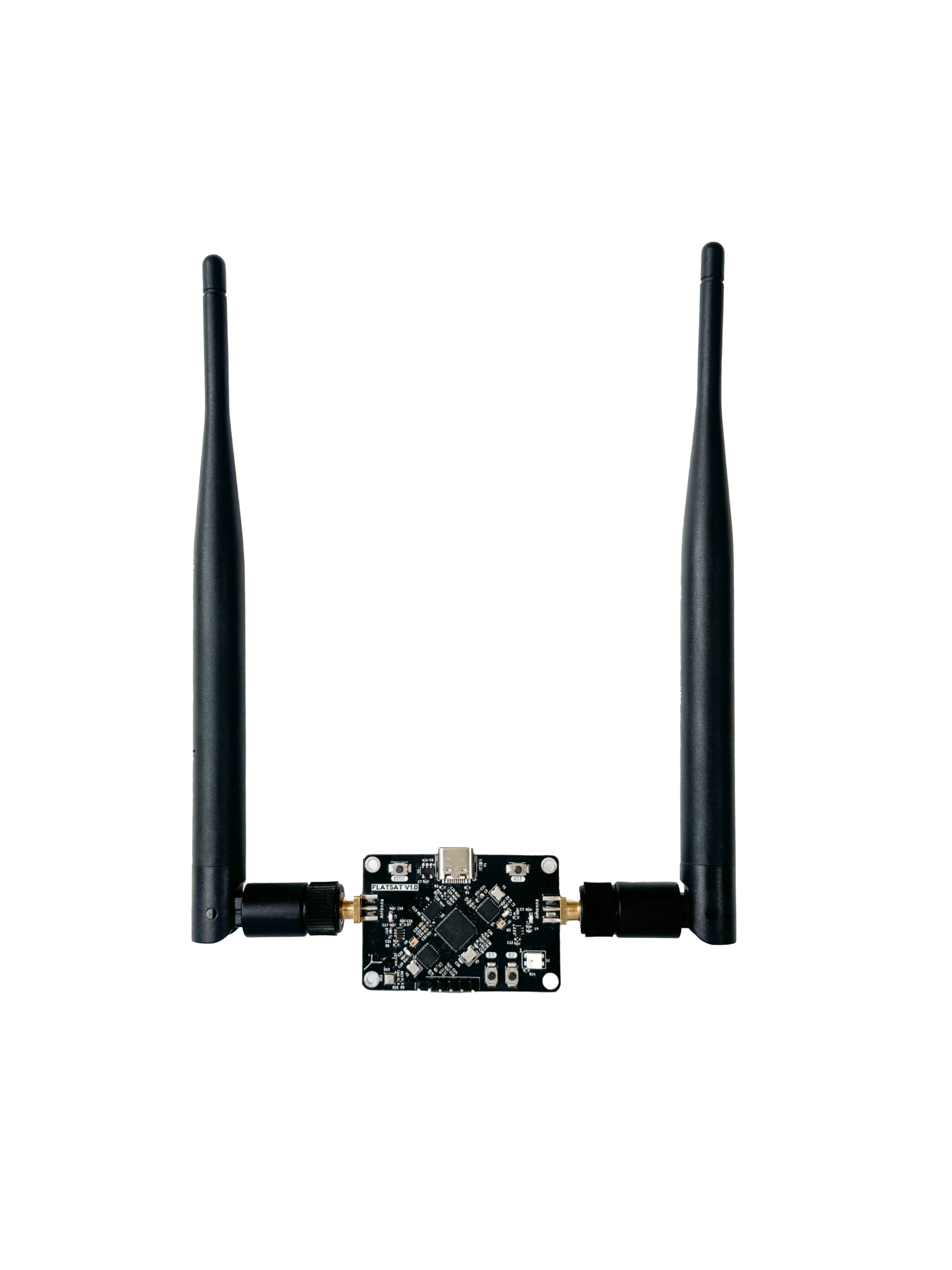
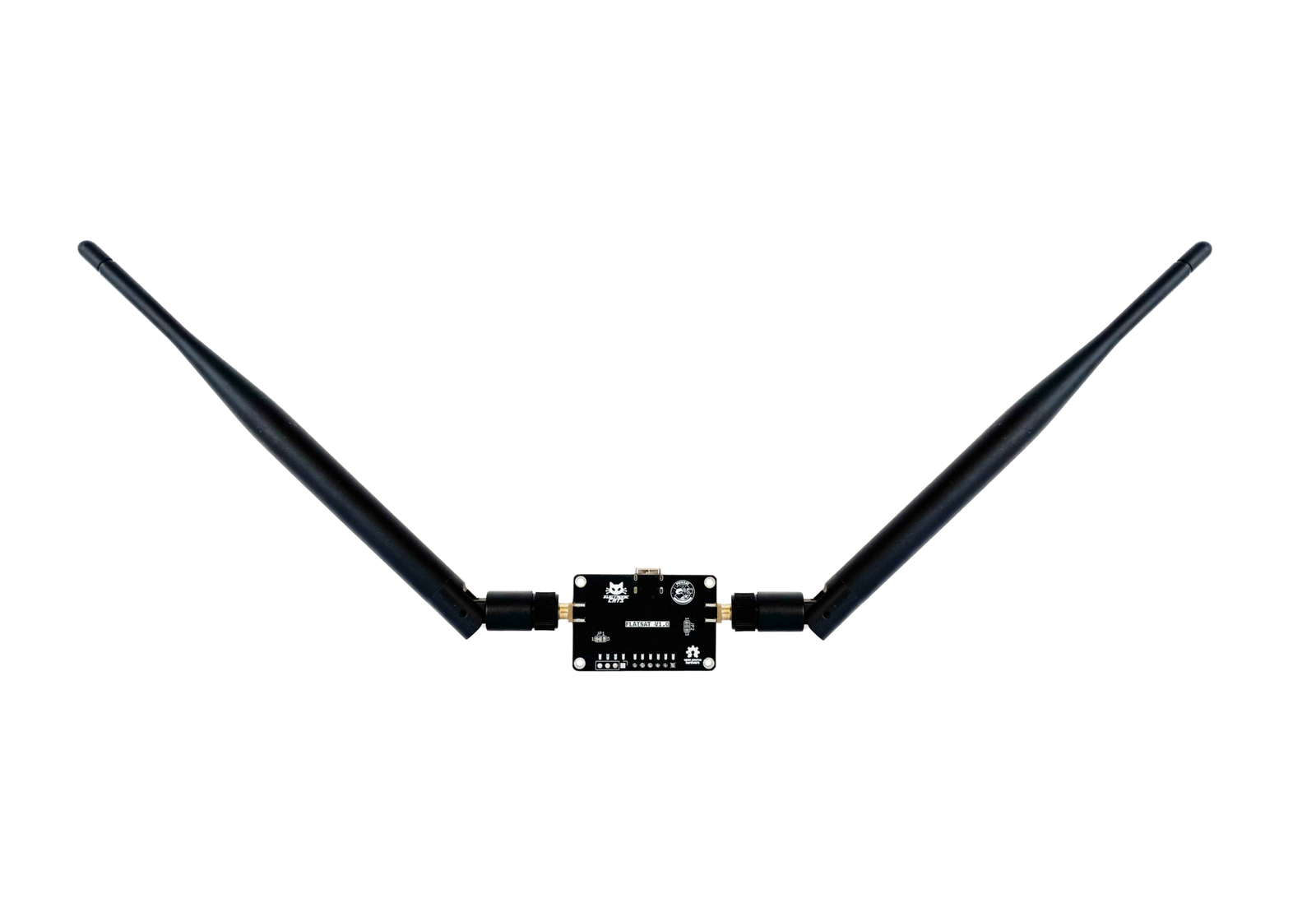
FlatSat patch (standard edition)
Not included
You also need
SDR++ software (free, sdrpp.org), to visualize the RF spectrum and confirm the downlink signal
A second FlatSat unit + a laptop running the FlatSat Ground Station webapp, for the full CTF curriculum’s Base hardware tier and Attack/Defend workshop mode
SWD probe (e.g. a second Raspberry Pi Pico as debugger) + soldering 3 wires to the board’s SWD pads, needed only for the Advanced firmware-hacking tier
Arduino IDE + arduino-pico board package, needed only if compiling or flashing custom firmware instead of the pre-compiled UF2
- 570 GitHub Stars
- Presented at DEF CON 34.
- Designed and built in Aguascalientes, Mexico
- Hardware CERN-OHL v1.2 · firmware GPL-2.0
What is FlatSat?
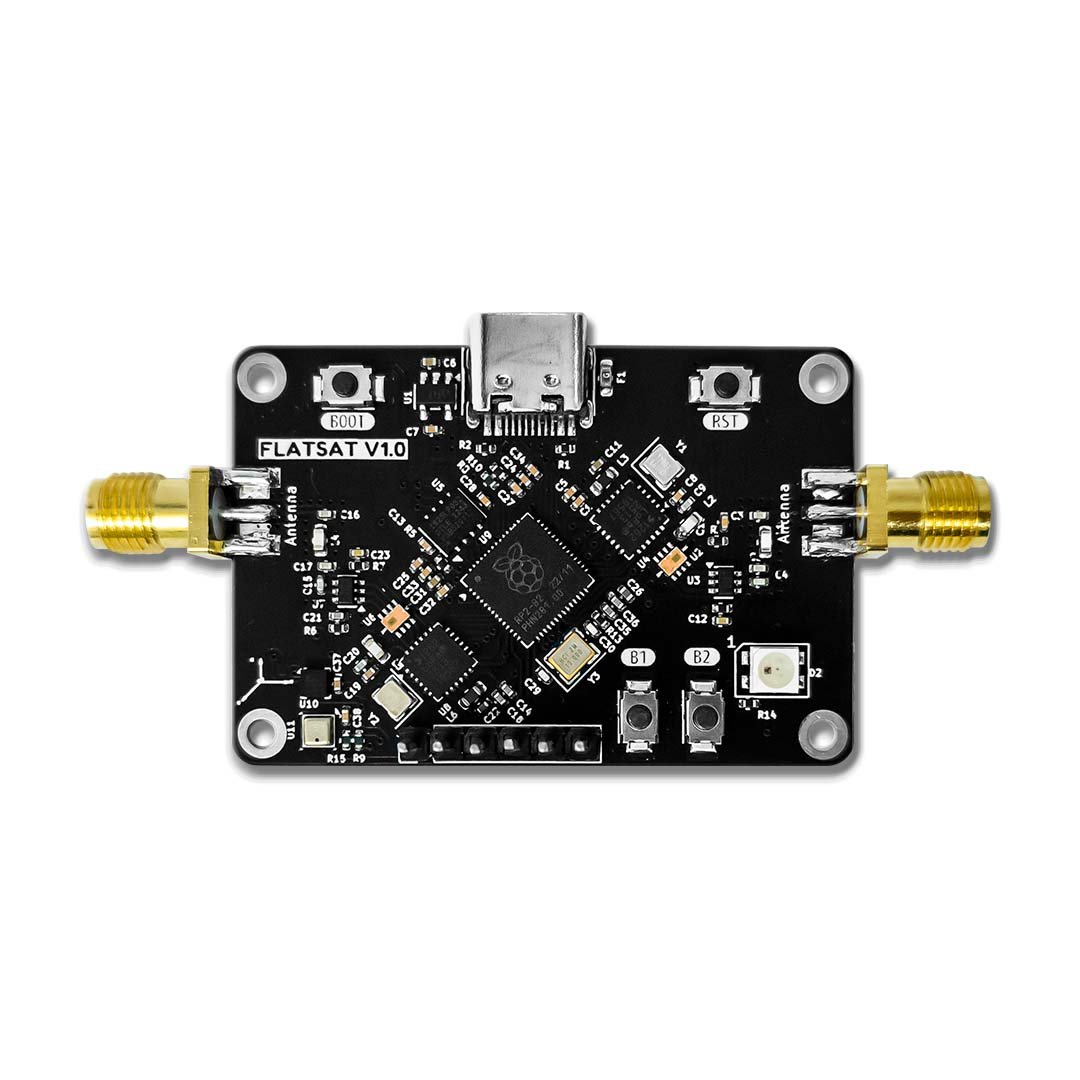
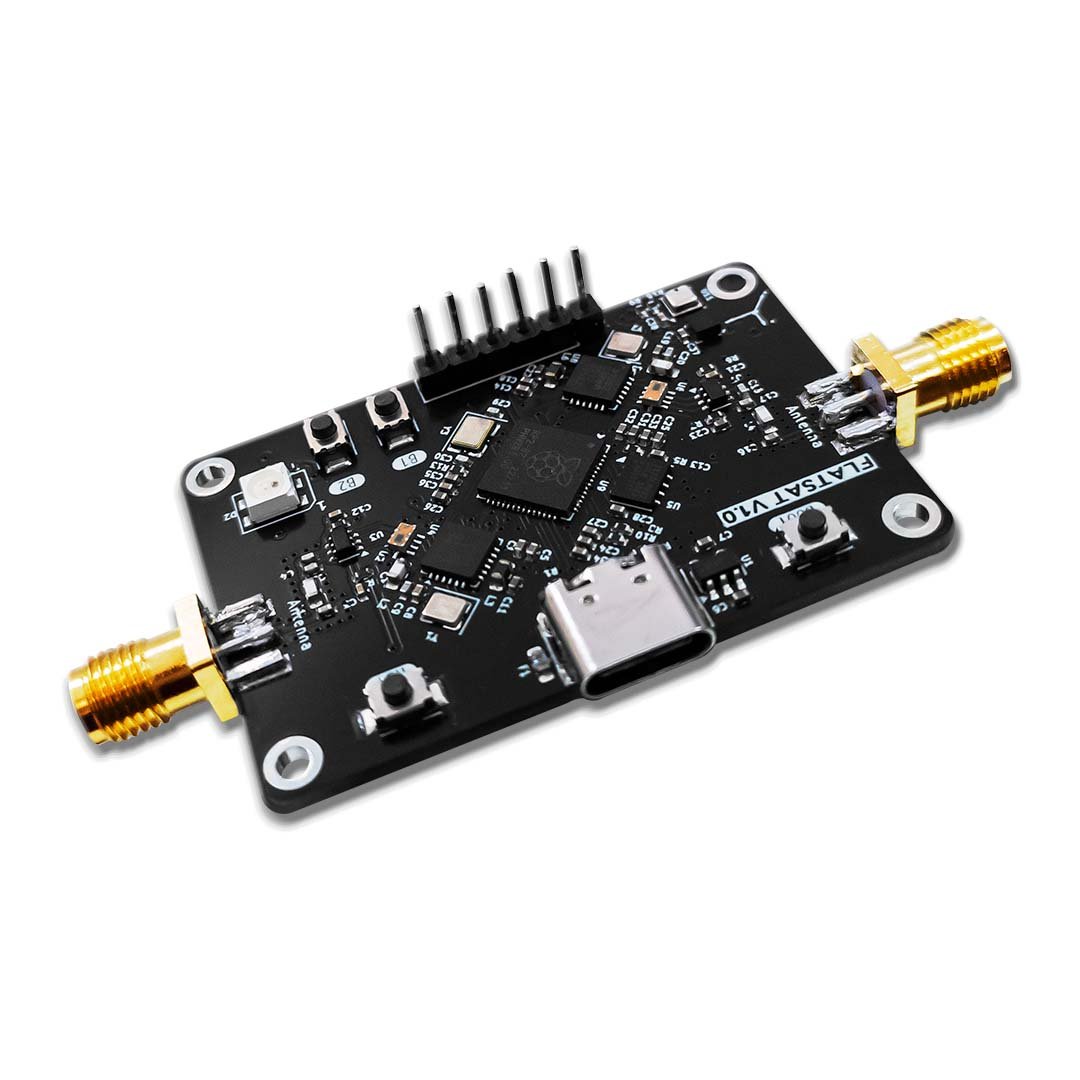
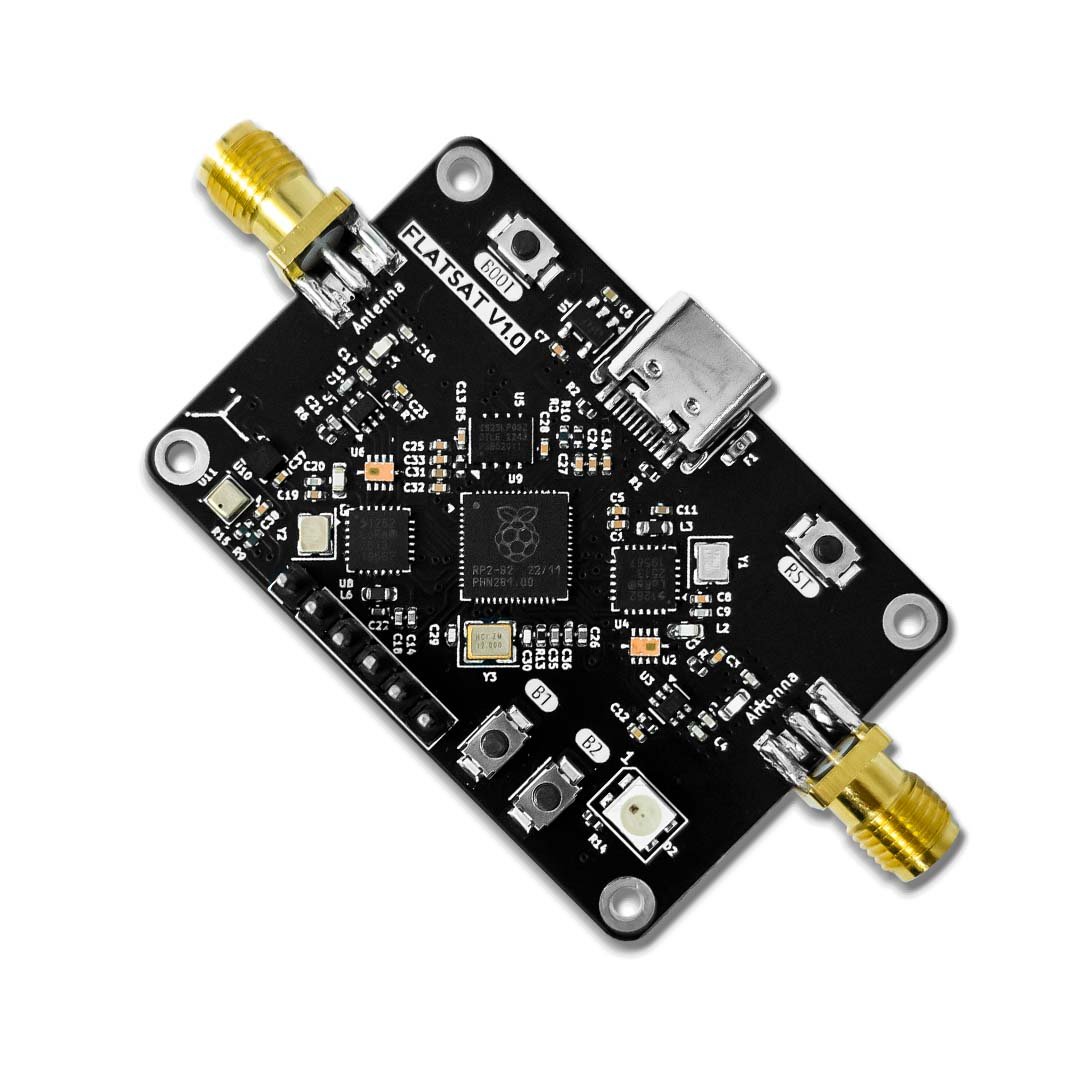
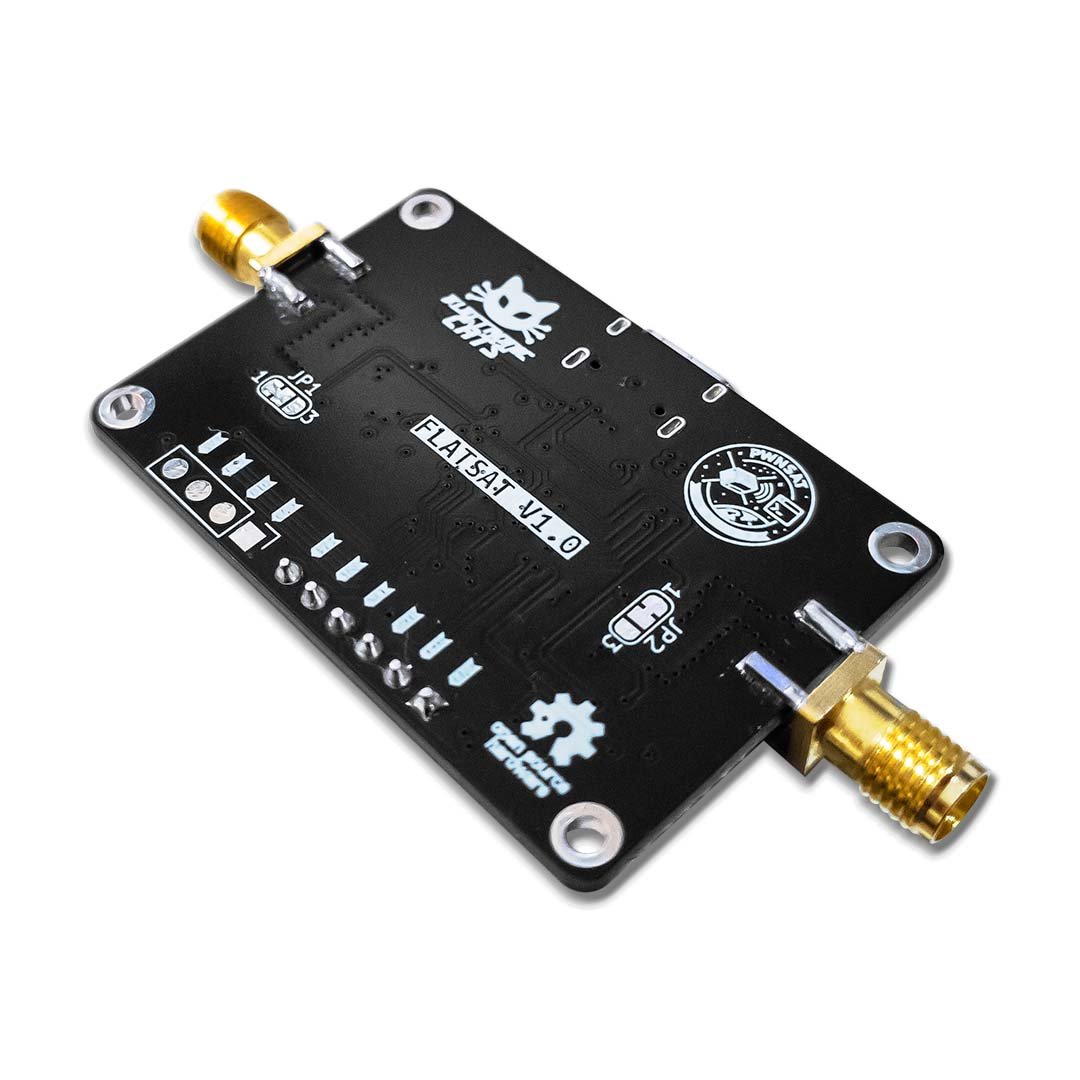
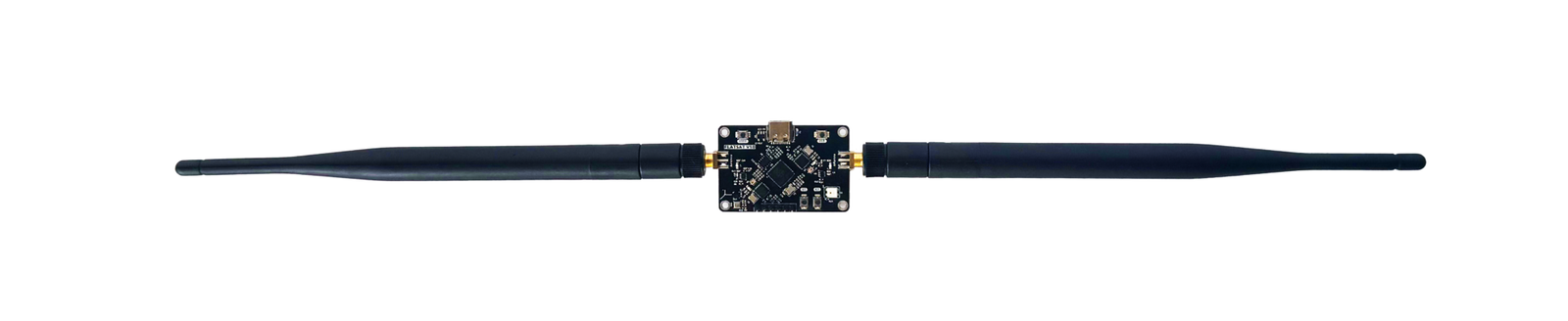
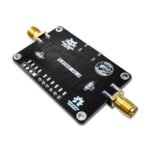
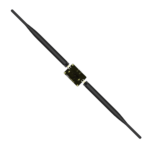
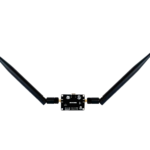
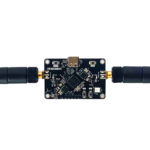
FlatSat is a satellite testbed for the classroom, made by Electronic Cats in collaboration with PwnSat: a flat training board that simulates a small spacecraft, with an RP2040, two LoRa radios and sensors, so you can learn satellite and space-systems cybersecurity hands-on. It is built to be vulnerable on purpose and ships preloaded with intentionally vulnerable firmware that mimics real spacecraft systems, so you can practice binary exploitation and reverse engineering safely on hardware you own. Setup is simple: connect over USB, enter bootloader mode and drag a precompiled firmware file onto the board, with no coding or soldering required. FlatSat then guides you through a 3-level CTF (web and RF, systems and the CCSDS protocol, then firmware and crypto), with an onboard NeoPixel LED confirming each stage. It uses only license-free ISM radio bands and never touches real satellites, so training stays self-contained on your own board.
Work through a 3-level satellite CTF
Confirm the downlink without touching the board
Run a workshop or classroom CTF lab
Start in 10 minutes
- Connect the FlatSat board to your computer via USB.
- Enter bootloader mode: hold BOOT, tap RST, then release BOOT — the board mounts as a USB mass-storage drive.
- Download the latest flatsat-firmware.uf2 file from the FlatSat GitHub releases.
- Drag and drop flatsat-firmware.uf2 onto the board’s mass-storage folder; it unmounts automatically once flashing succeeds.
- Head to the FlatSat wiki to pick your starting CTF level and curriculum format (Home Lab or Workshop).
| MCU | RP2040 (dual-core ARM Cortex-M0+) |
|---|---|
| Radio | 2x SX1262 LoRa transceivers (uplink + downlink) |
| Environmental sensor | BME280 (pressure, humidity, temperature) |
| Accelerometer | LIS2DH12, 3-axis (I2C) |
| Status LED | WS2812B NeoPixel (GPIO 15) |
| Exposed interfaces | I2C, UART, SWD |
| Operating voltage | 3.3V I/O |
| Dimensions | 41 mm x 78 mm |
| Flash memory | 4 MB (no filesystem partition) |
| RF band | 433 MHz / 915 MHz (license-free ISM) |
| Open hardware | CERN Open Hardware Licence v1.2 |